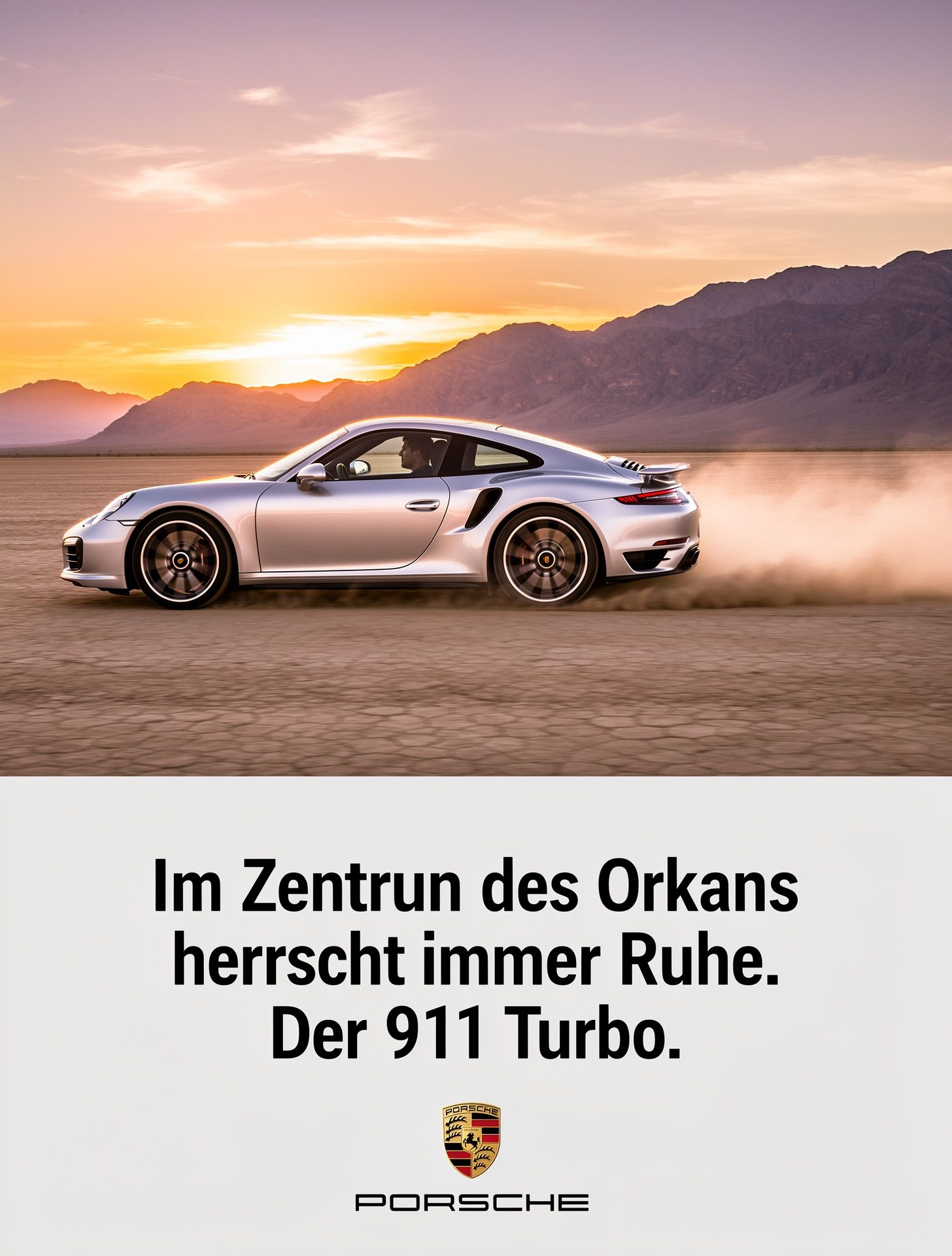
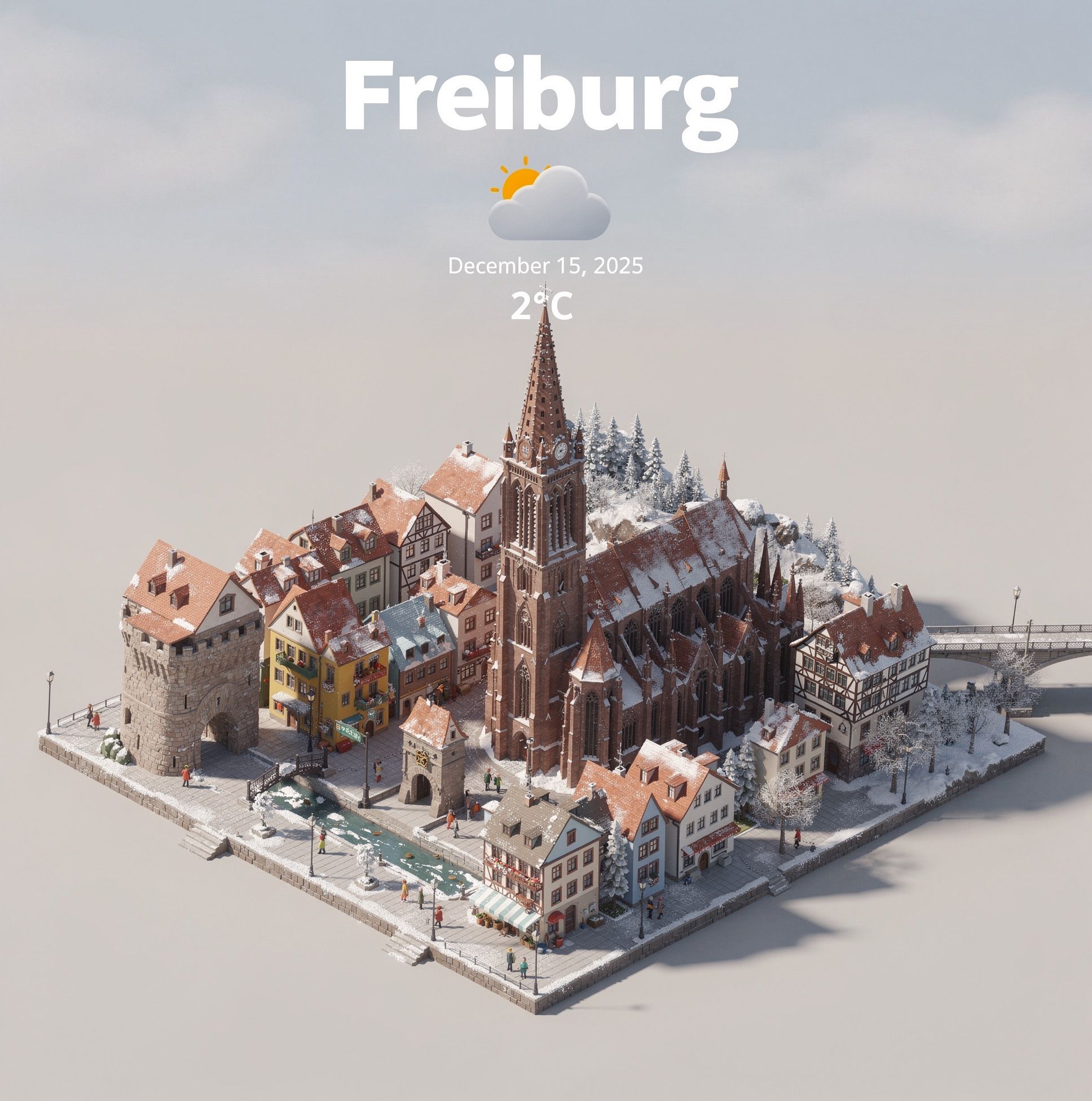
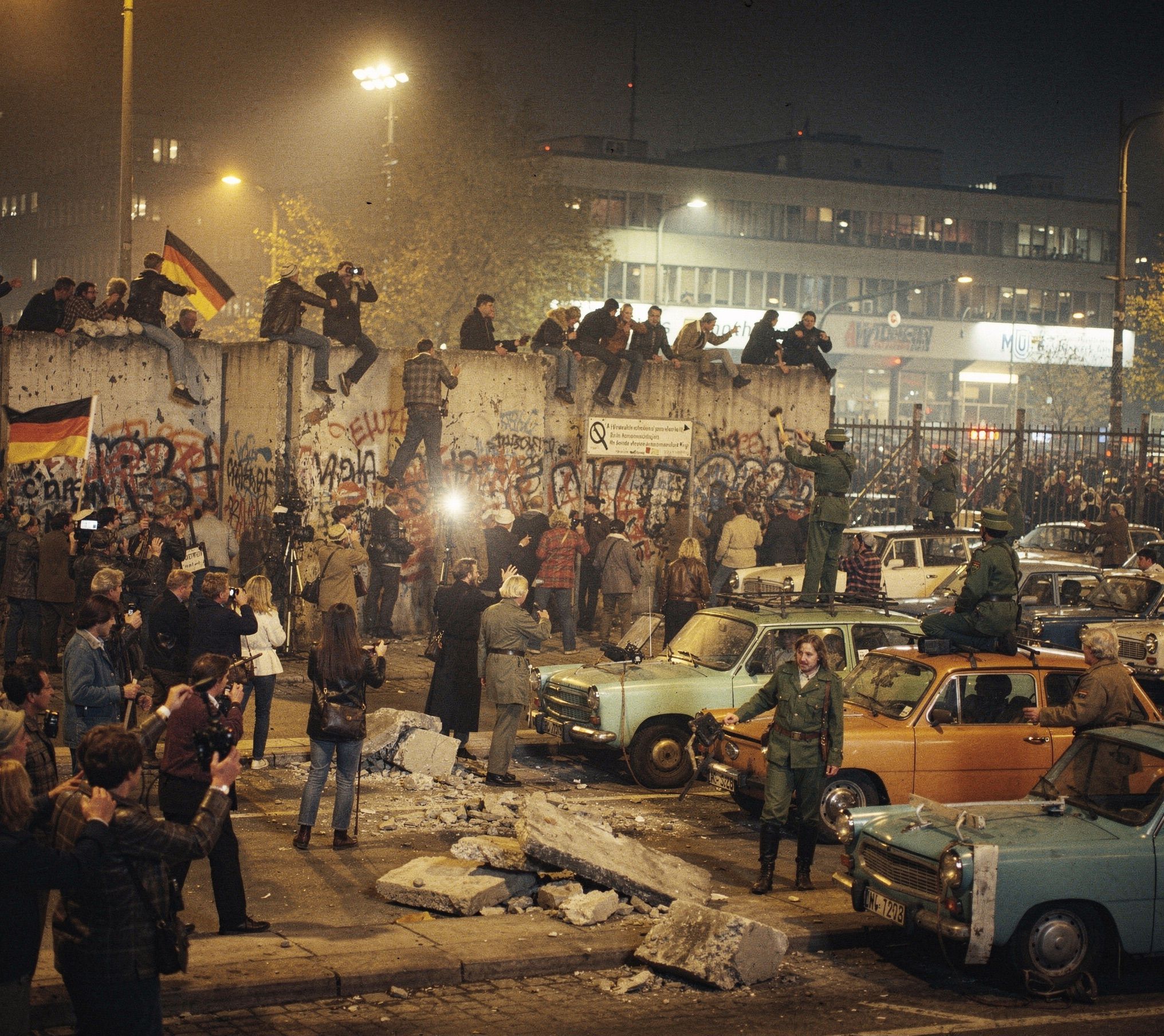
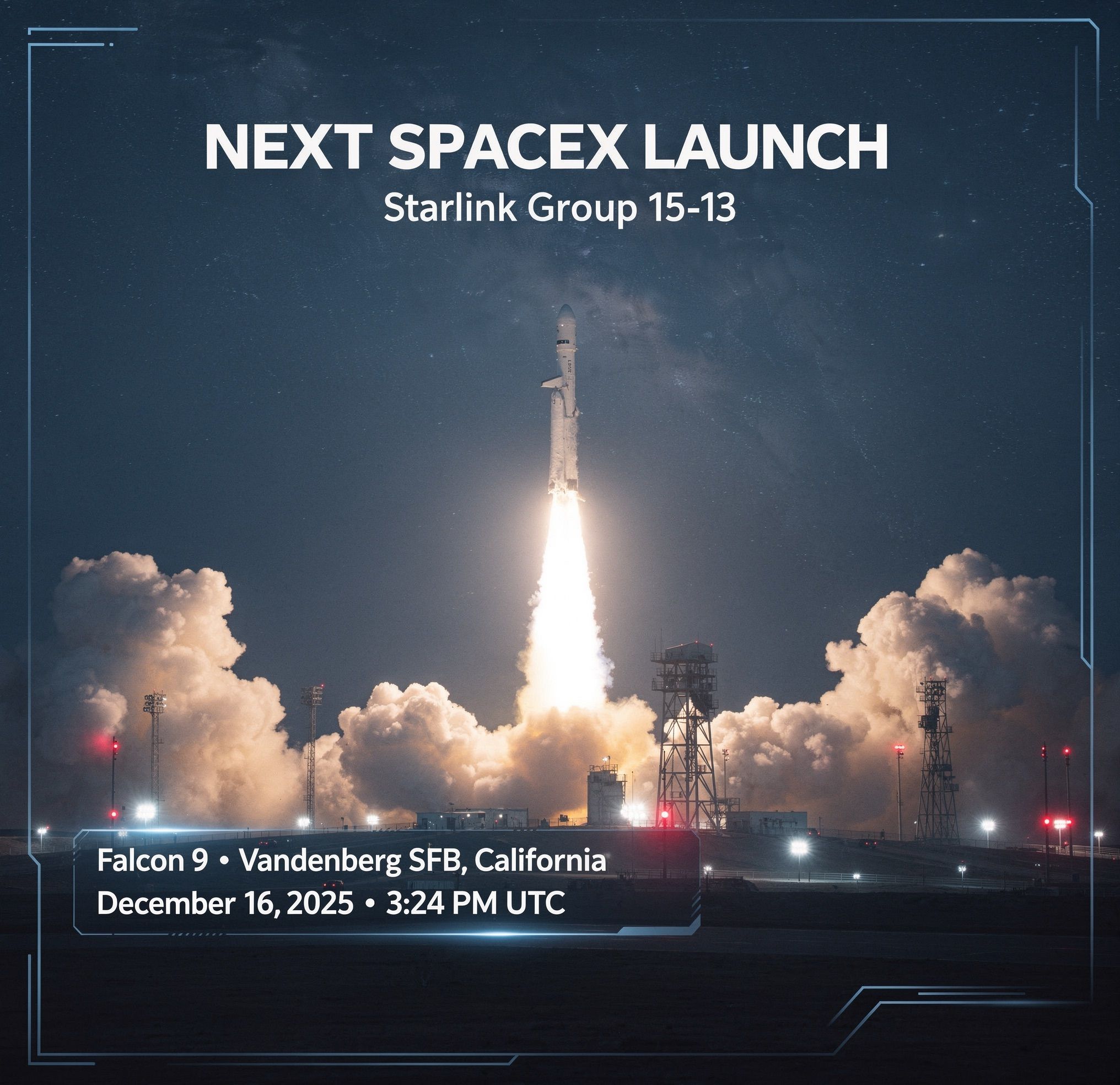
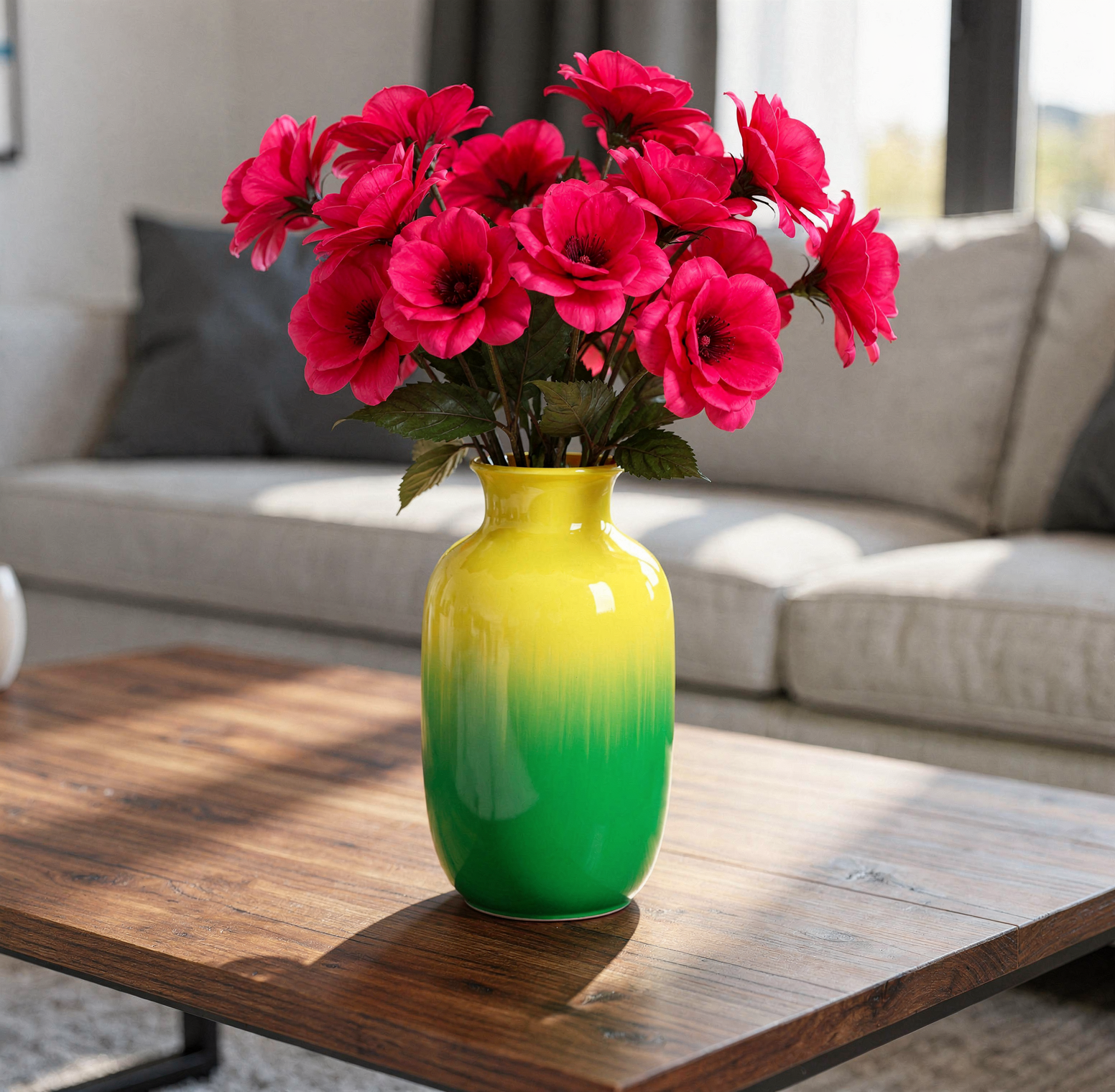
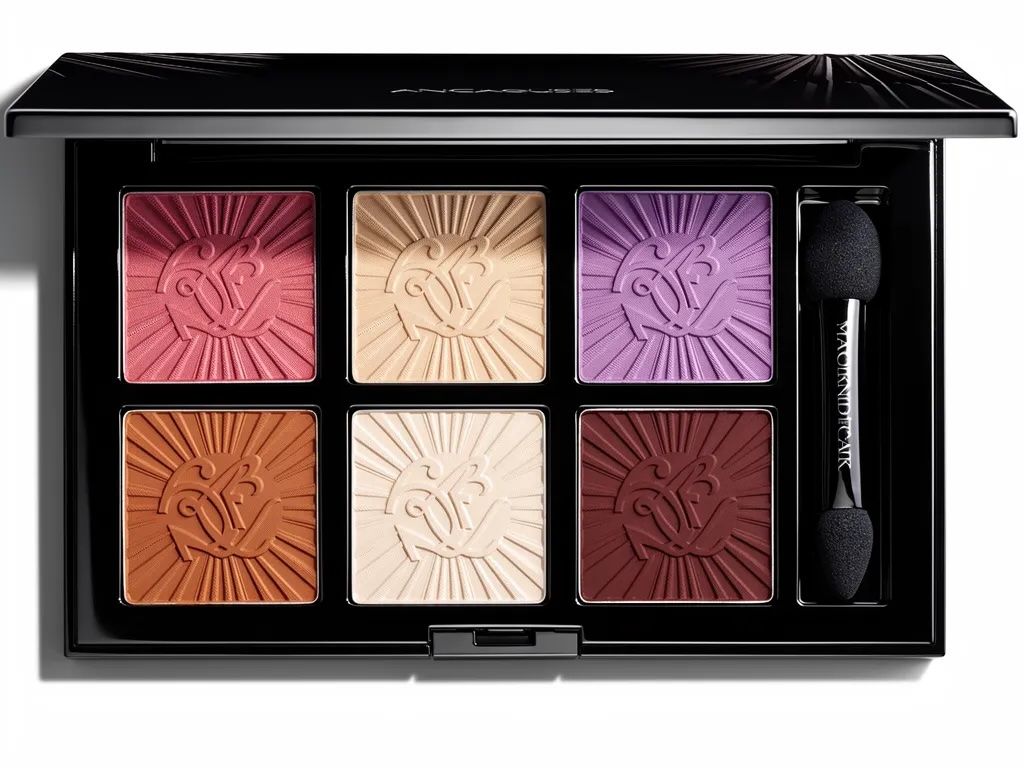
FLUX.2 brings enterprise-grade efficiency and professional precision to text-to-image generation. It closes the gap between generated and real imagery with accurate hands, faces, and textures—all while respecting brand guidelines through hex-code color steering. [max] offers the highest quality with grounding search for real-time information.
Try it live — Test FLUX.2 [max], [pro], and [flex] in the playground before integrating.
Photorealistic portrait generated by FLUX.2
Professional AI conference photograph with complex typography and hex color specifications
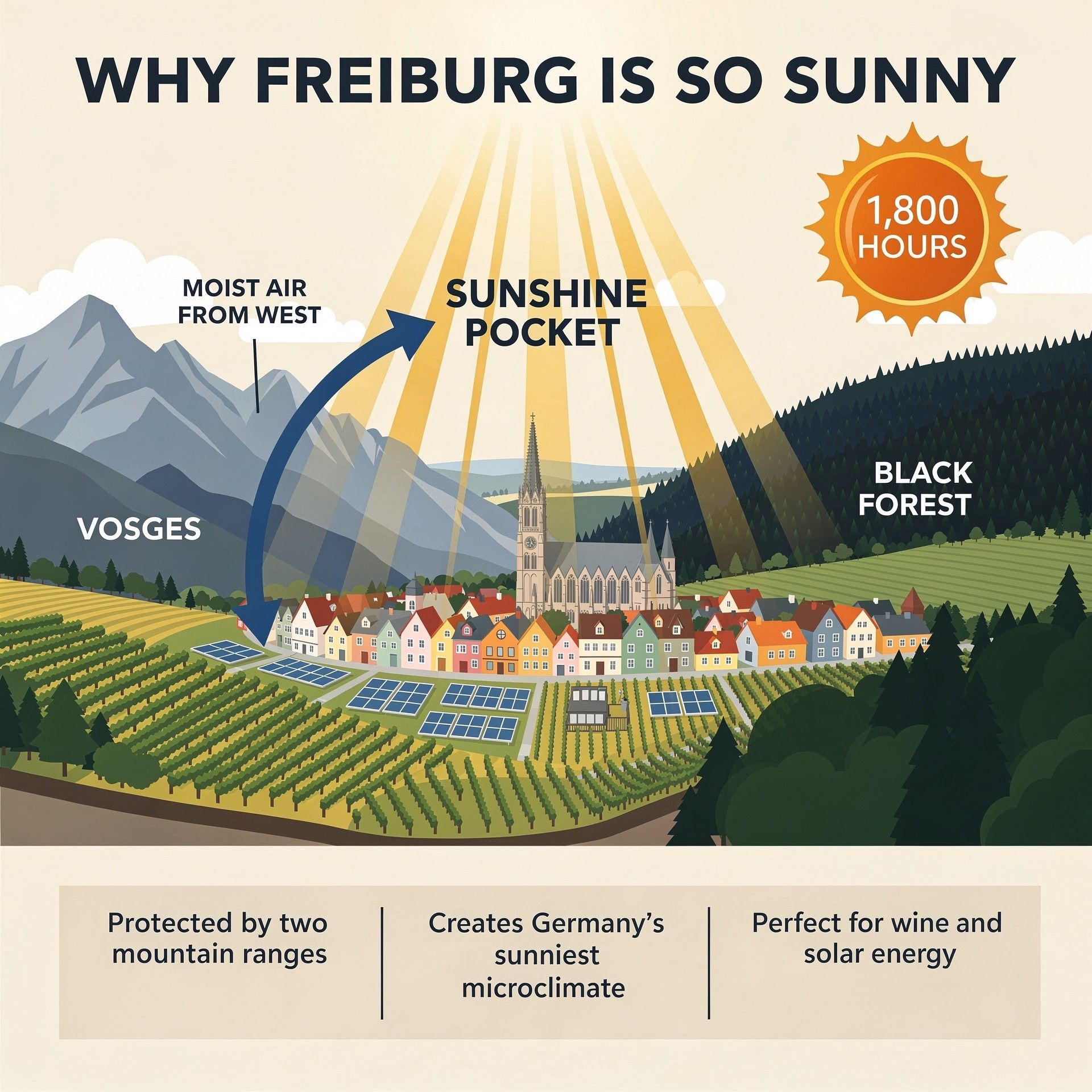
Weather in Freiburg

Capabilities

Explore why FLUX.2 is the choice for professional workflows.
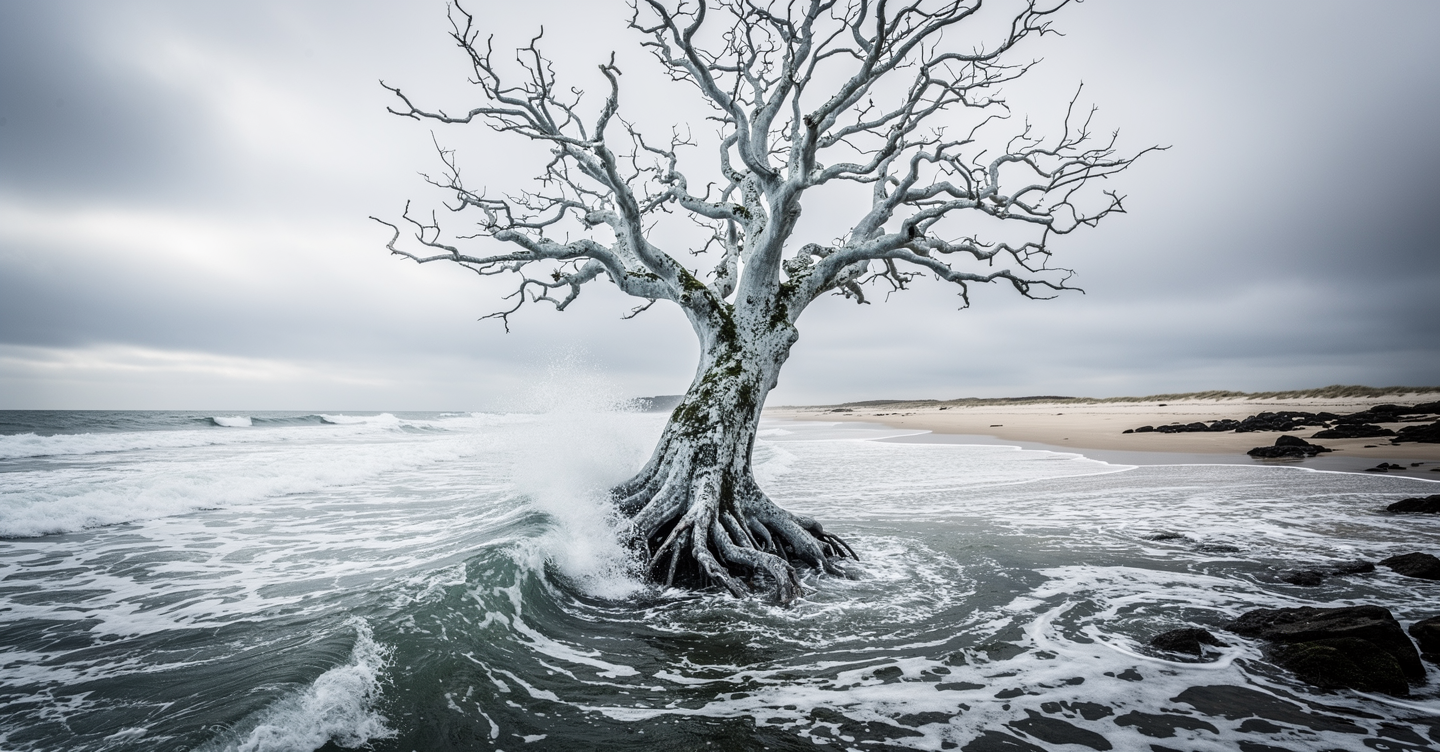
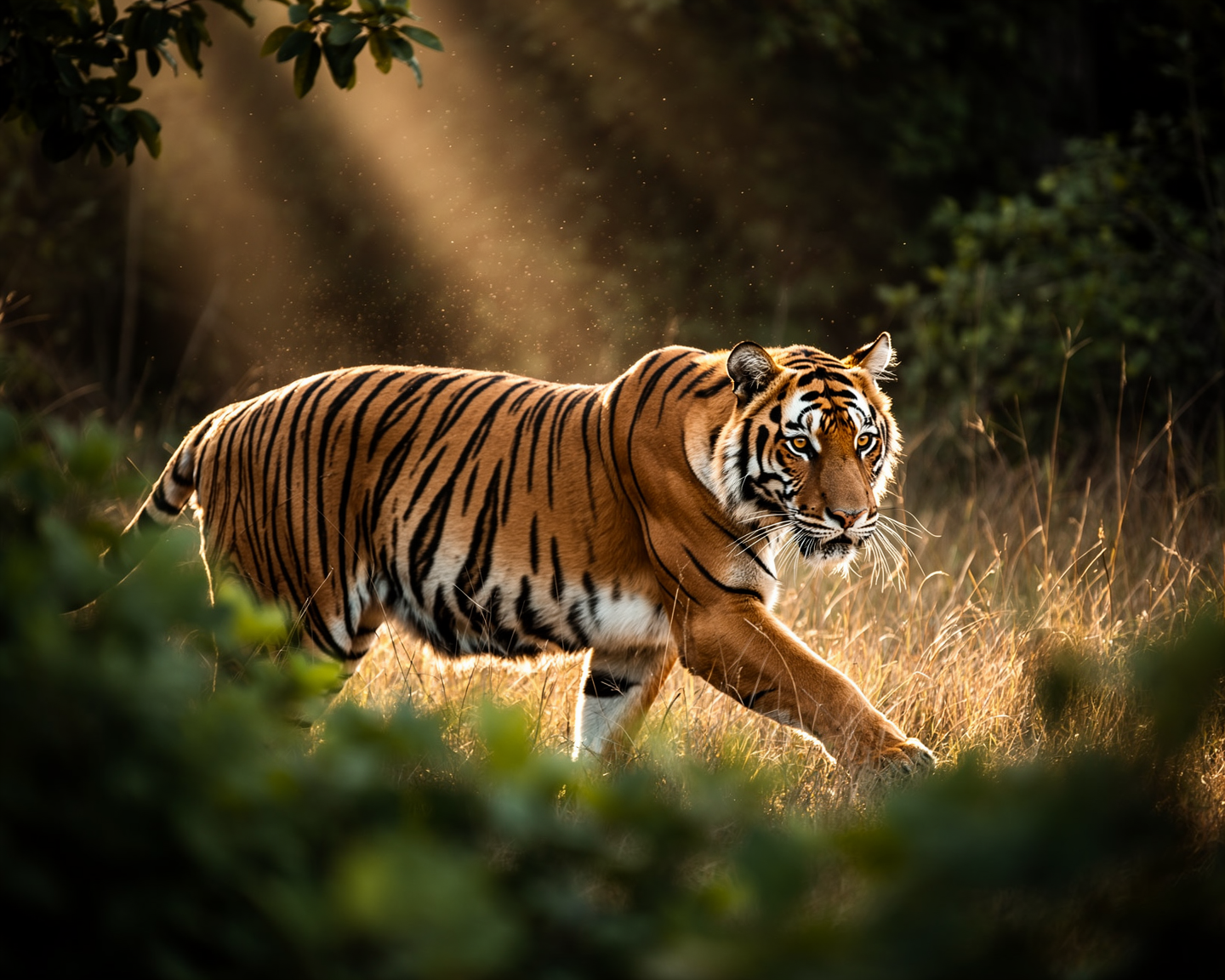
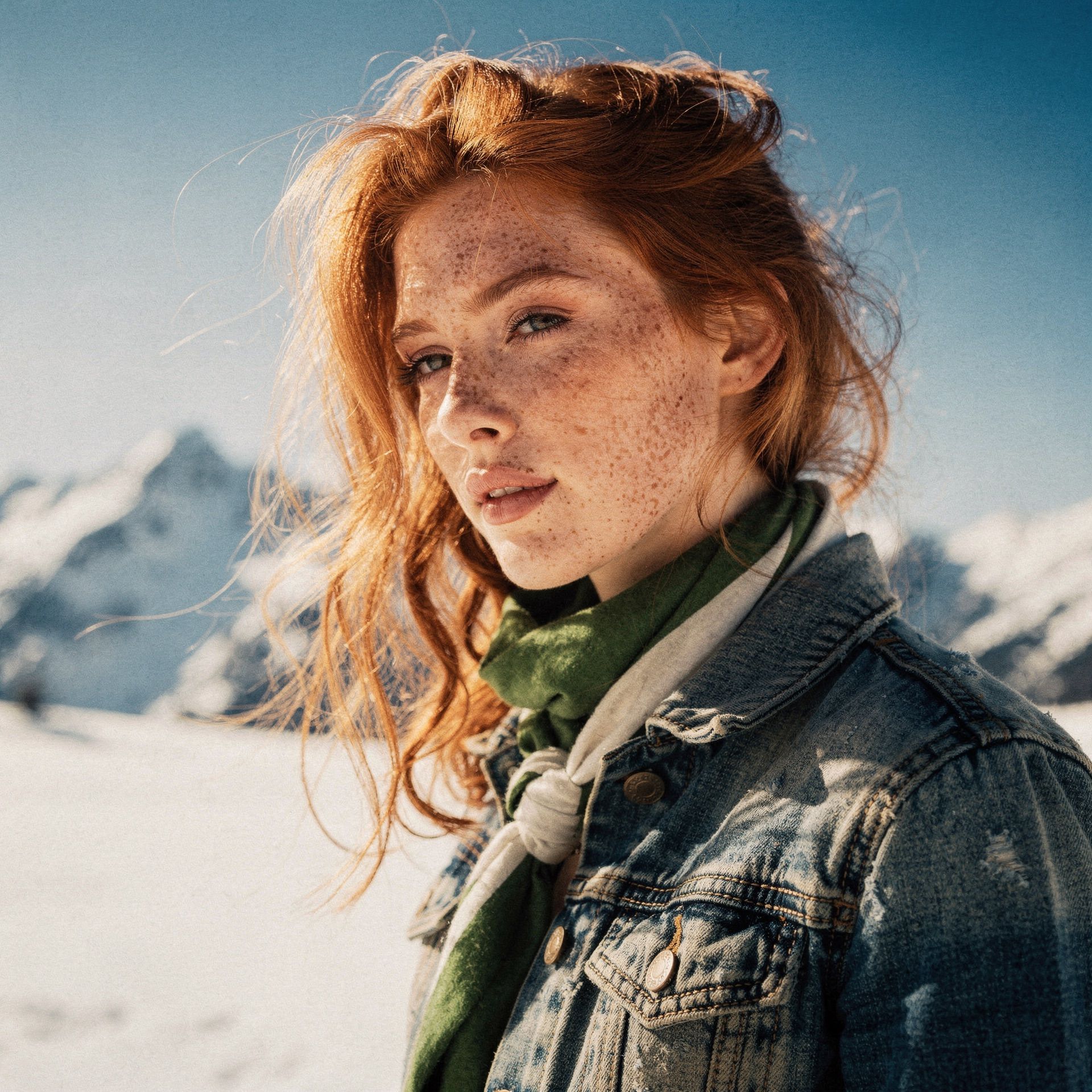
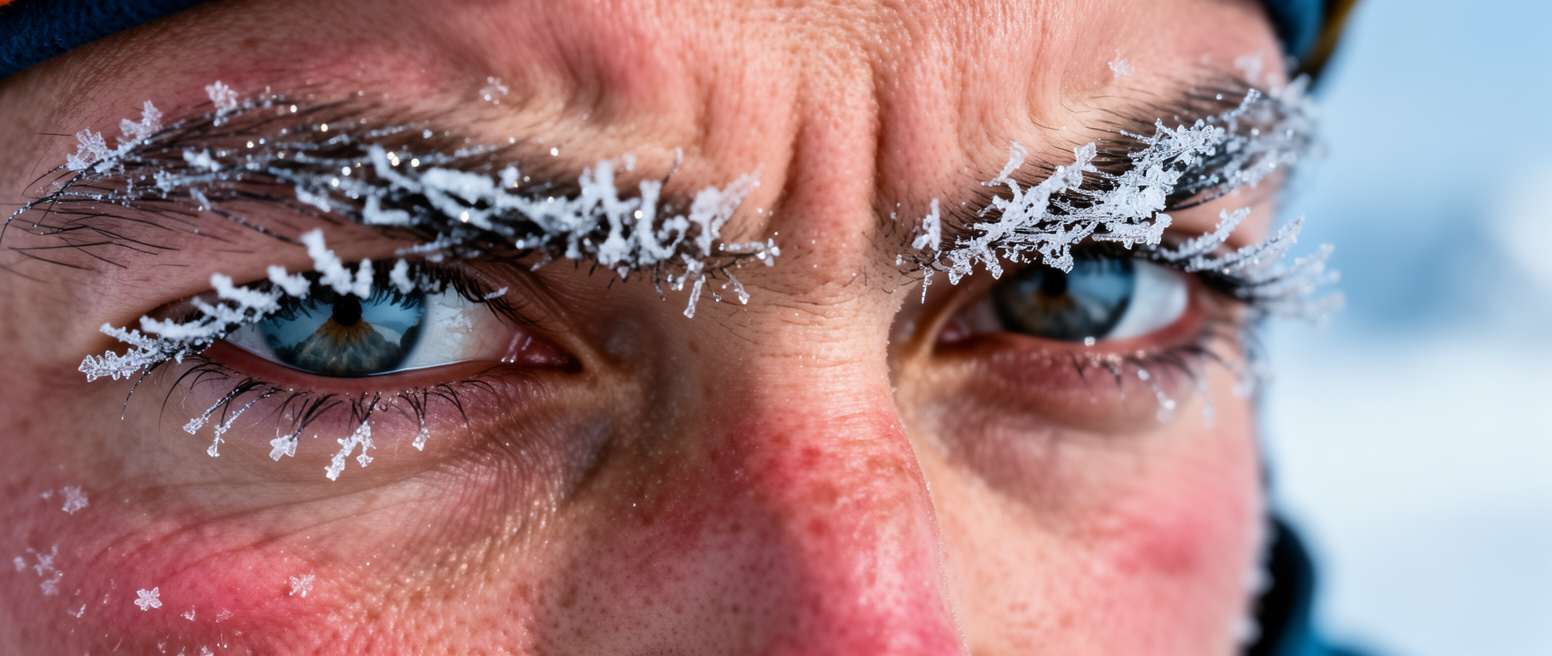
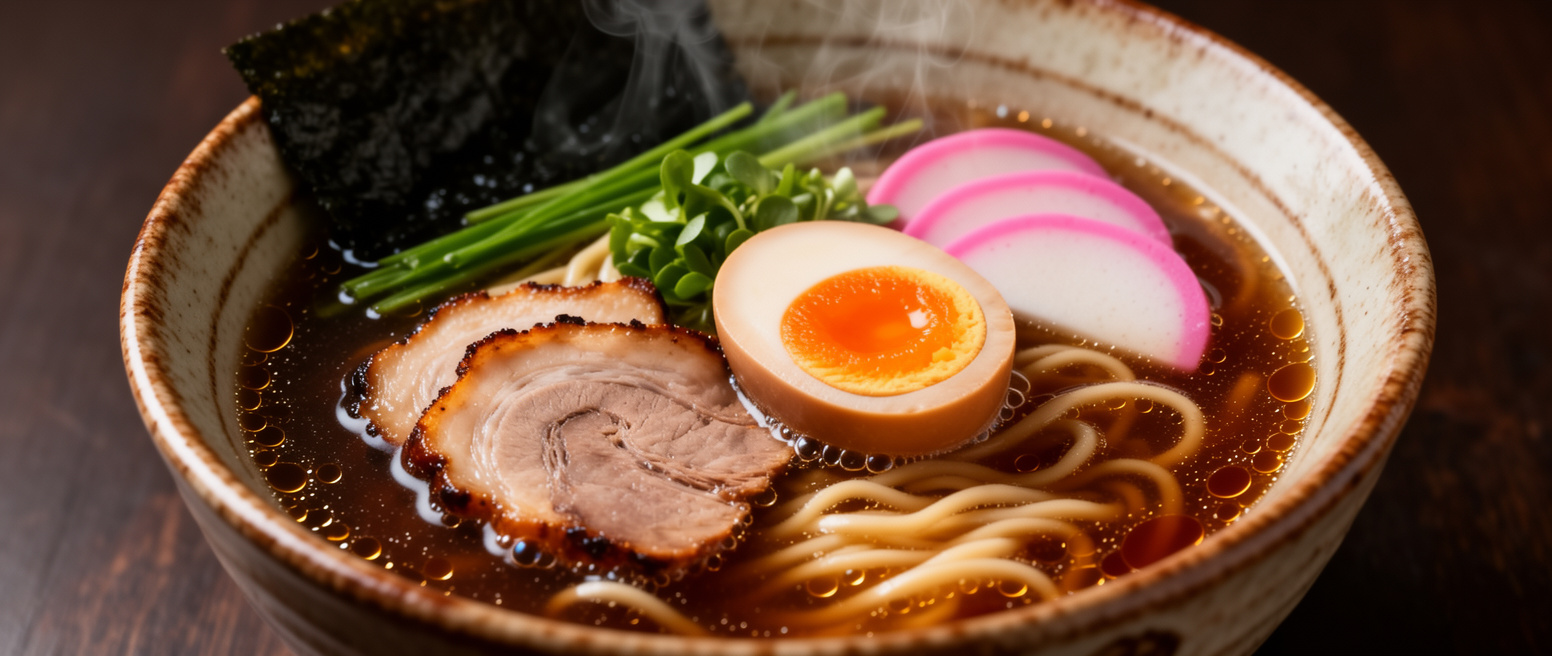
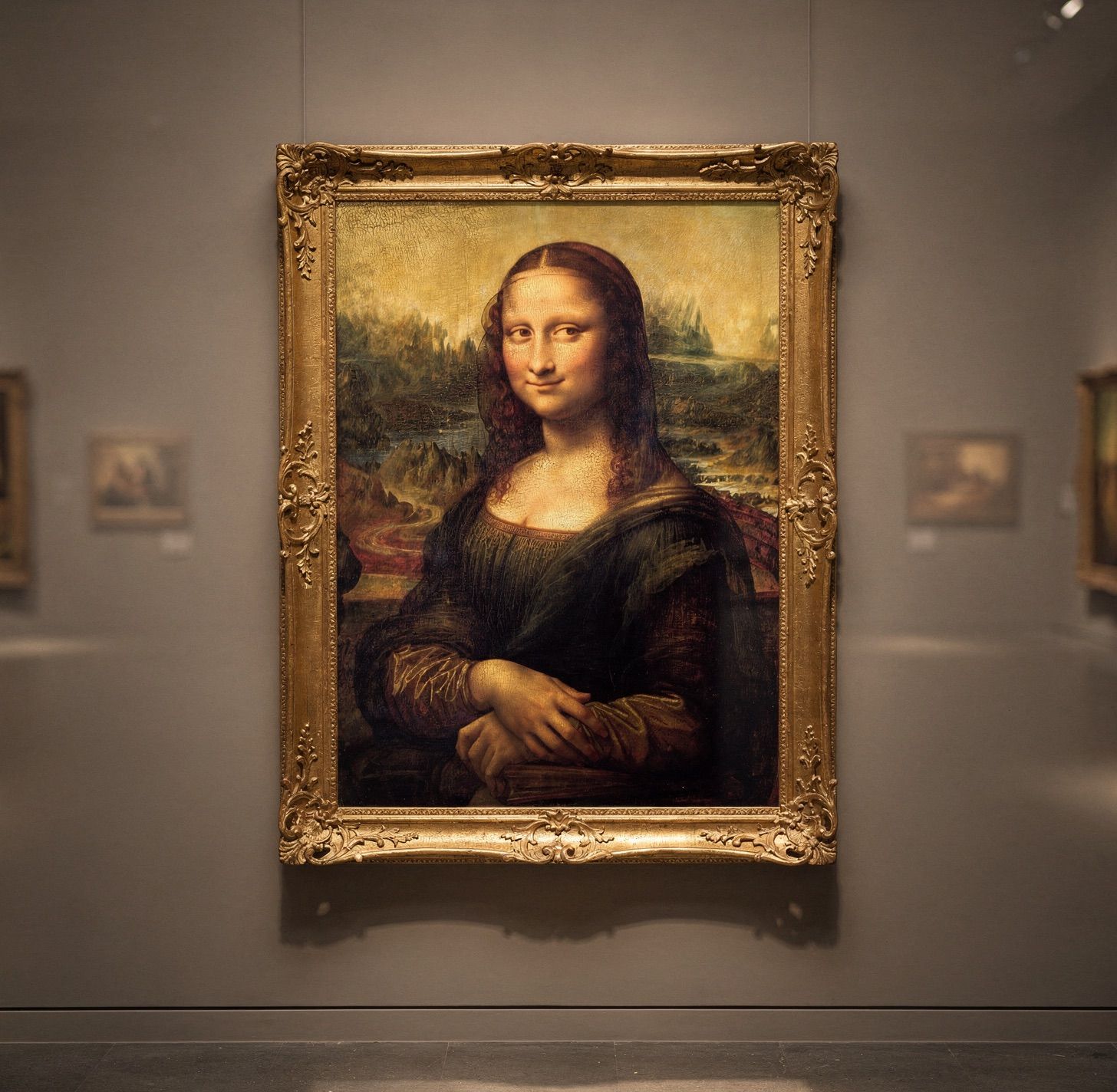
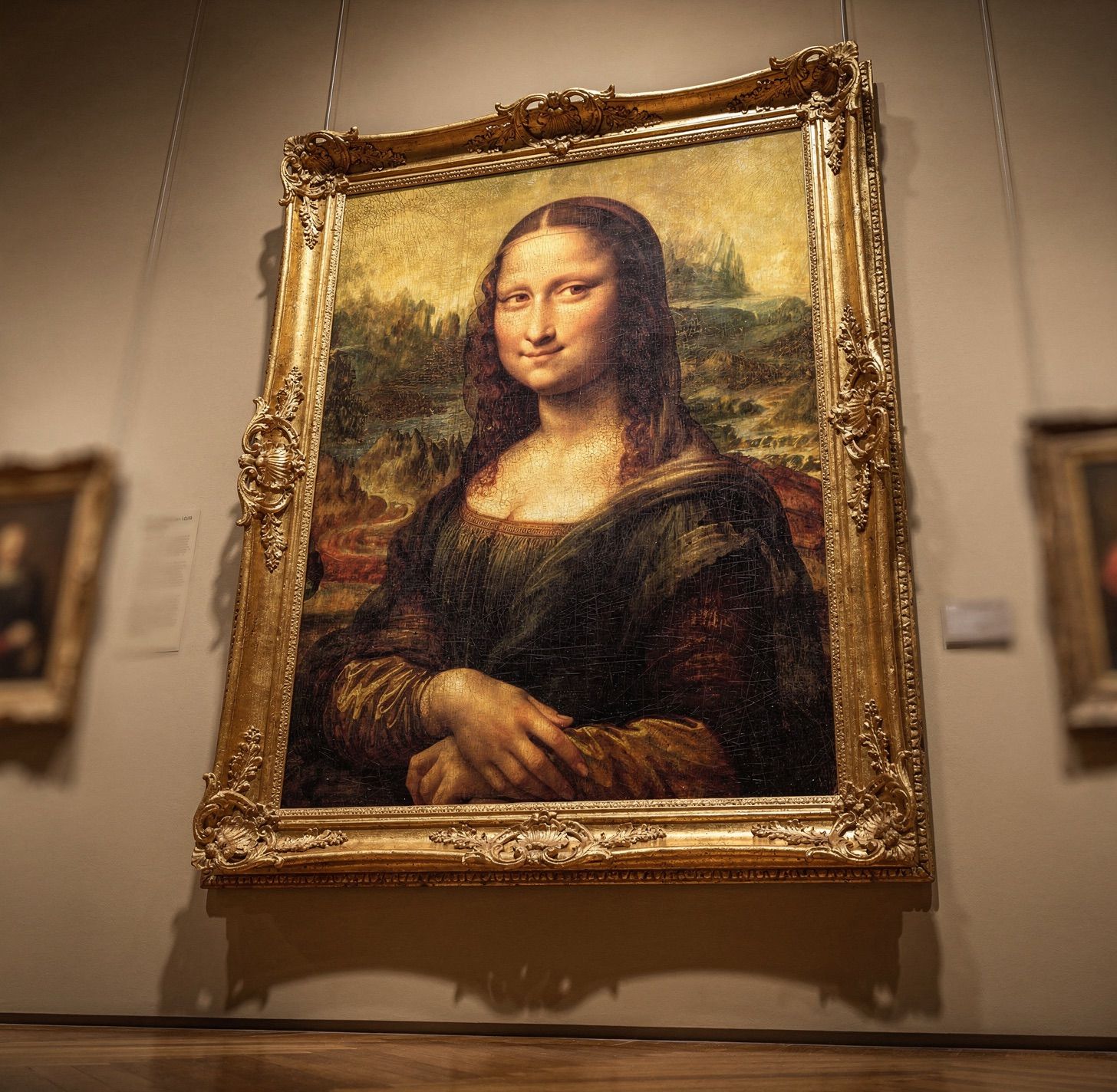
Close the gap between Generated and Real. FLUX.2 produces realistic image details up to 4MP: accurate hands, faces, fabrics, logos, and small objects that other models miss. Ideal for creative photography, e-commerce shots, and product marketing.
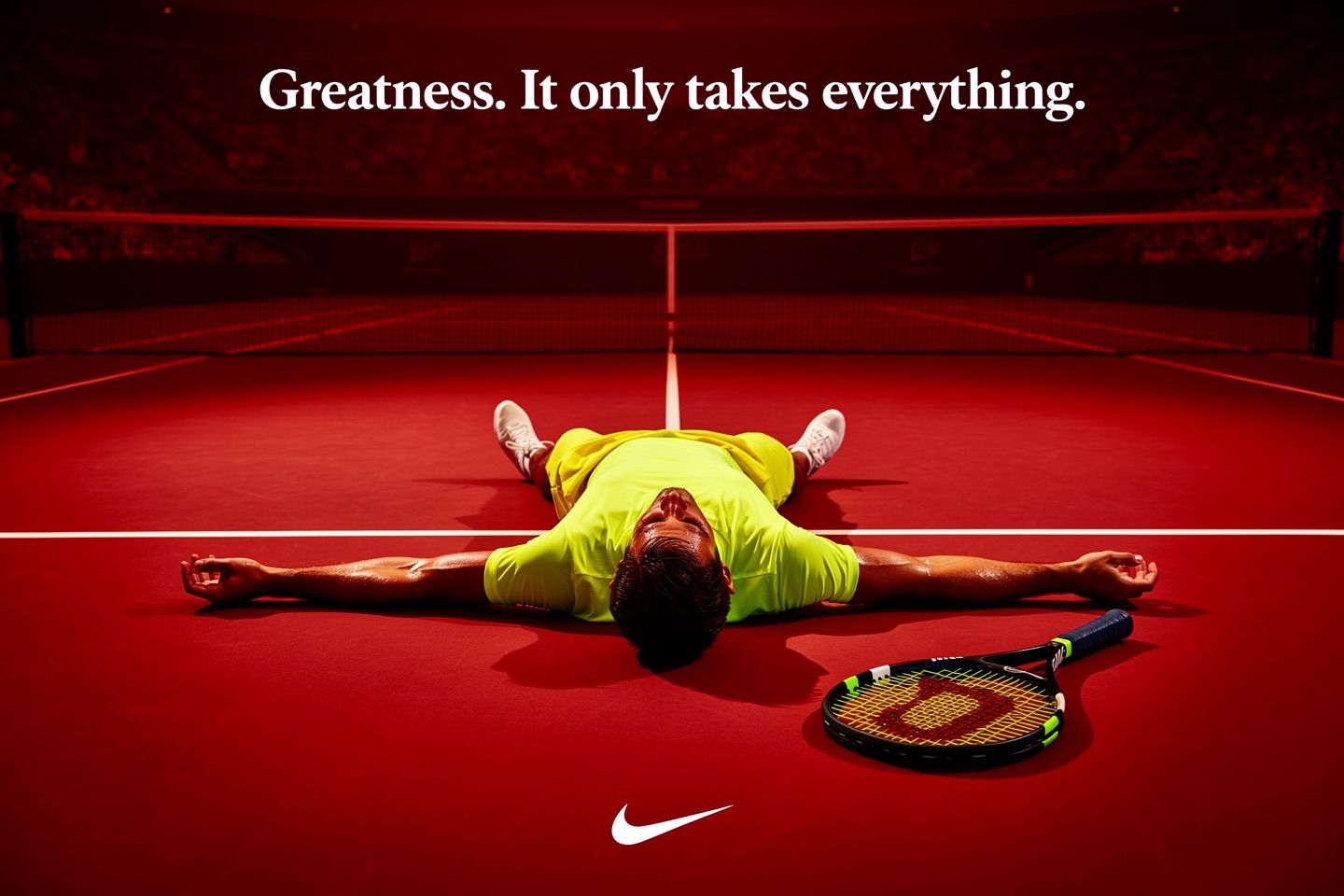
Lifestyle shot

Bulldog + glam nails

Tiger shot

Tiger in the forest

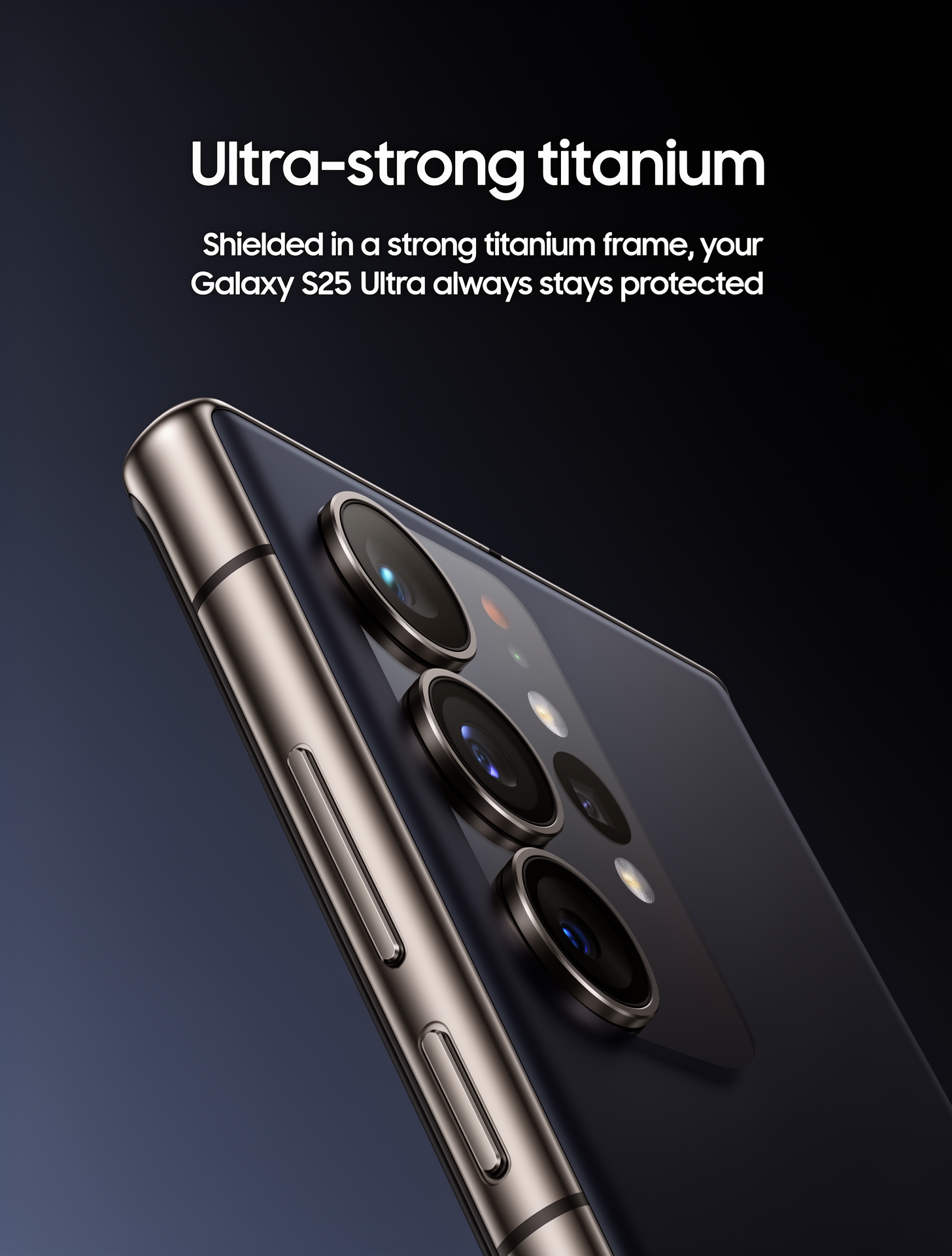
Product shot

Retro computer + pixel cabin

Face in the cold

Integration

Integrate FLUX.2 text-to-image generation into your application in three steps.
1

Authenticate

Get your API key from the BFL Dashboard. You will use this in the x-key header.
2

Create a Generation Request

Send a POST request to /v1/flux-2-max, /v1/flux-2-pro, or /v1/flux-2-flex. The prompt is required.
curl -X POST https://api.bfl.ai/v1/flux-2-max \
  -H 'accept: application/json' \
  -H "x-key: $BFL_API_KEY" \
  -H 'Content-Type: application/json' \
  -d '{
    "prompt": "Cinematic shot of a futuristic city at sunset, 85mm lens",
    "width": 1920,
    "height": 1080,
    "safety_tolerance": 2
  }'
3

Check Pricing

The API response includes pricing information. The cost field shows the credits charged for the request.
# Response includes cost information
{
  "id": "task-id-here",
  "polling_url": "https://api.bfl.ai/v1/get_result?id=task-id-here",
  "cost": 3.0,           # Credits charged for this request
  "input_mp": 0.0,      # Input megapixels
  "output_mp": 2.07     # Output megapixels
}
4

Retrieve the Result

Poll the polling_url until the status is Ready.
# Poll until status is 'Ready'
curl -X GET "$POLLING_URL" \
  -H 'accept: application/json' \
  -H "x-key: $BFL_API_KEY"

Configuration

ParameterTypeDefaultDescription
promptstringRequired. Text description of the image to generate.
widthinteger1024Output width in pixels. Must be a multiple of 16.
heightinteger1024Output height in pixels. Must be a multiple of 16.
seedintegerrandomSet for reproducible results.
safety_toleranceinteger2Moderation level: 0 (strict) to 5 (permissive).
output_formatstring"jpeg"Output format: "jpeg" or "png".
[flex] only parameters:
ParameterTypeDefaultDescription
stepsinteger50[flex only] Number of inference steps. Maximum: 50, default: 50. Higher = more detail, slower.
guidancefloat4.5[flex only] Guidance scale. Controls how closely the output follows the prompt. Minimum: 1.5, maximum: 10, default: 4.5. Higher = closer prompt adherence.
Resolution: Minimum 64x64, maximum 4MP (e.g., 2048x2048), recommended up to 2MP. Output dimensions are always multiples of 16.

Model Selection

[max][pro][flex]
Best forHighest quality, final productionProduction workflows at scaleQuality with control
Speed< 15 seconds< 10 secondsHigher latency
ControlsStandardStandardAdjustable steps & guidance
Grounding searchYesNoNo
Pricingfrom $0.07 / MPfrom $0.03 / MP$0.06 / MP

FLUX.2 [max]

Top-Tier QualityHighest image quality and prompt adherence. Includes grounding search for real-time information. Best for professional content needing the final touch.

FLUX.2 [pro]

Fast & EfficientBest balance of speed and cost. Ideal for high-volume applications needing fast turnaround.

FLUX.2 [flex]

Quality with ControlAdjustable steps and guidance. Best when you need fine-grained control over generation.