

Example 1
Example 2
Example 3
Use Cases
Single-reference editing covers a wide range of creative and professional tasks. Below are the most common categories with real prompt examples.Background Replacement
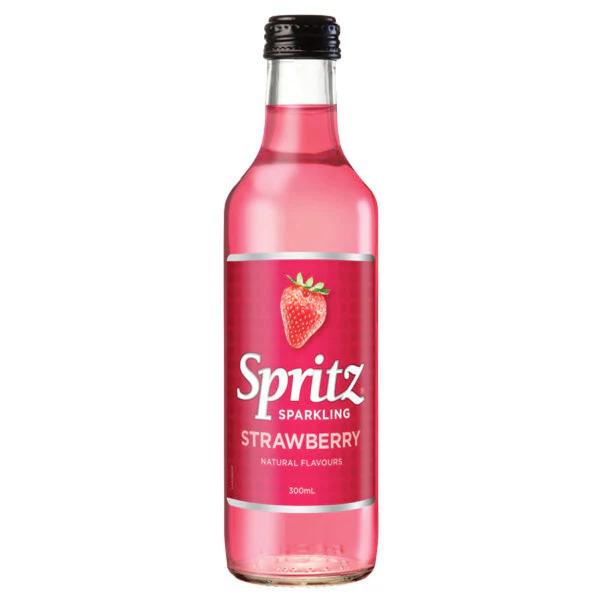
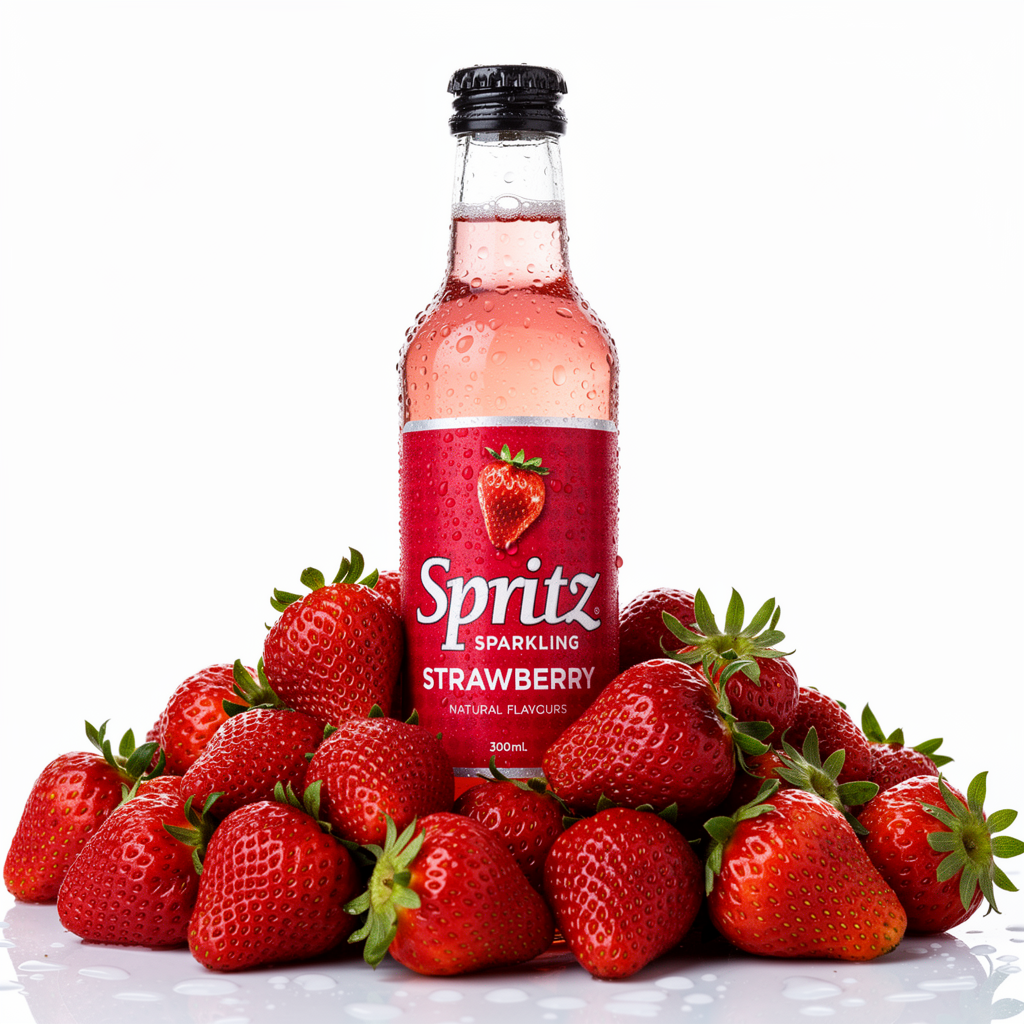
Change or replace the background of your image while keeping the subject intact.Product on new background
Product on new background
Scene replacement
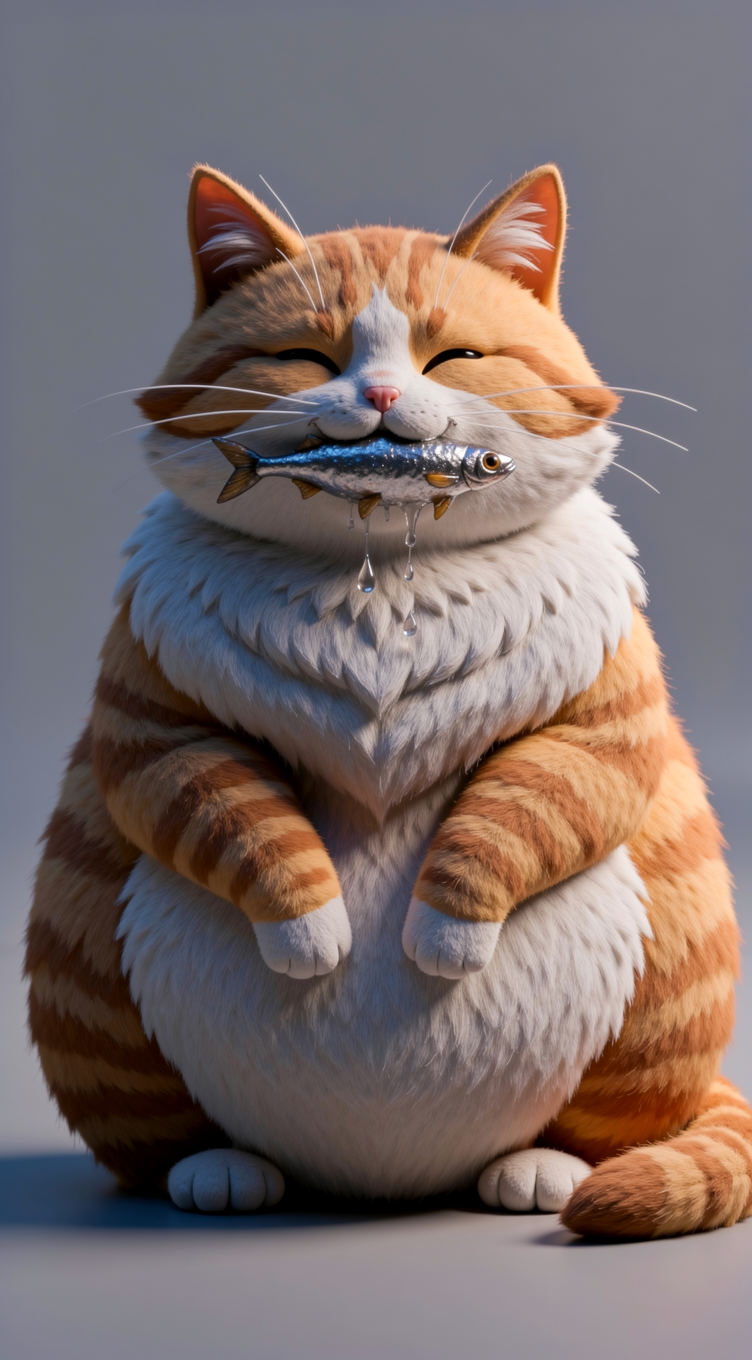
Scene replacement

Style Transfer
Transform the visual style or medium of an image — from illustration to photorealism, or from photo to painting.Photo to oil painting
Photo to oil painting
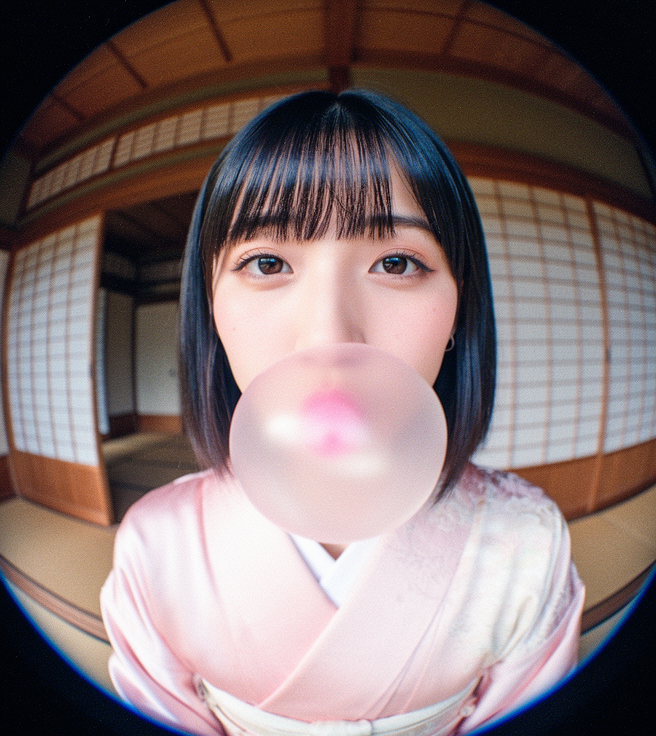
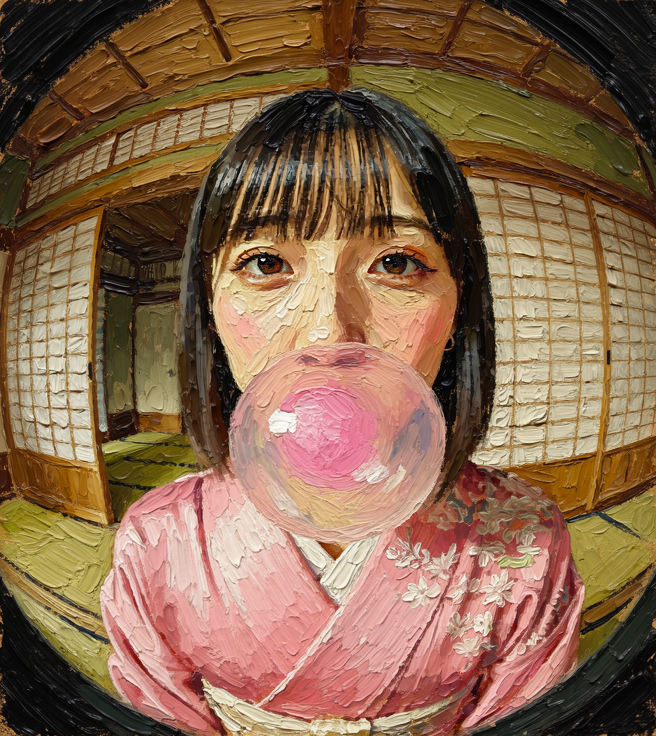
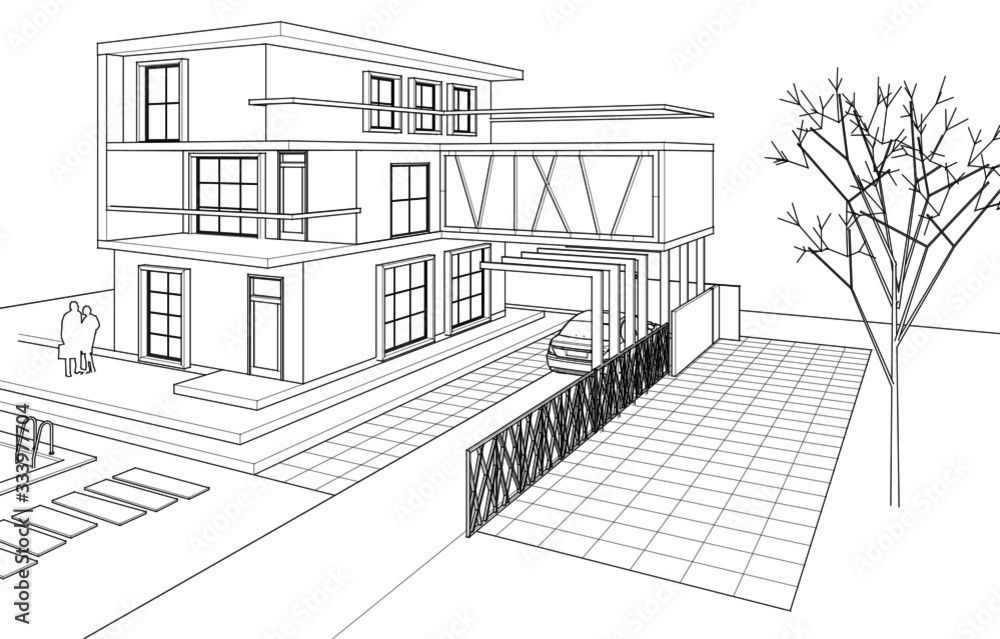
Illustration to photorealism
Illustration to photorealism

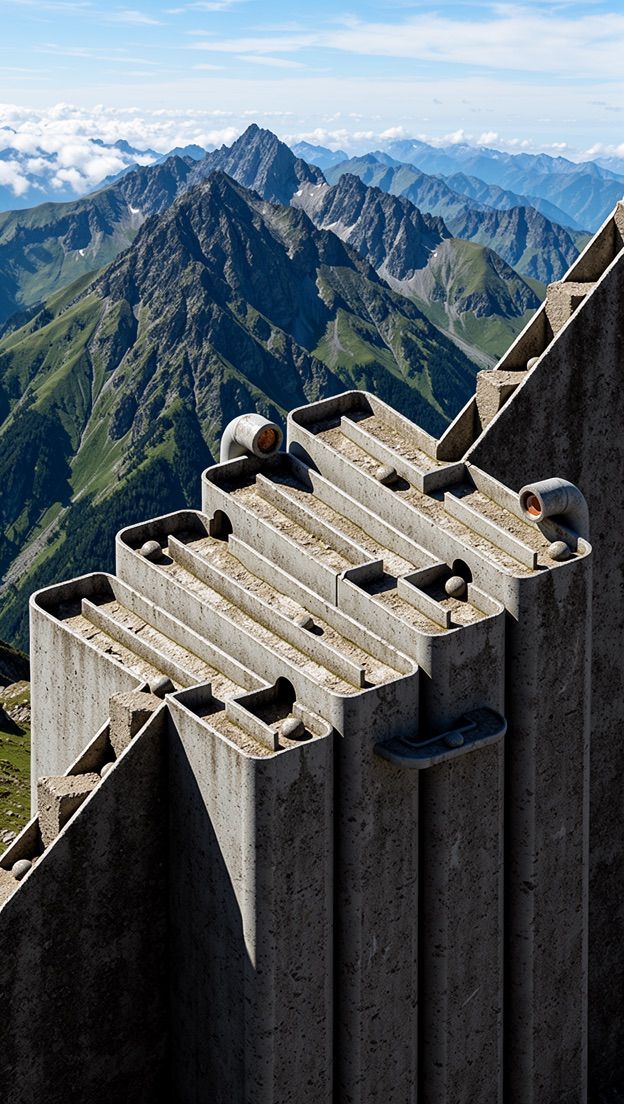
Reskin to mountain vista
Reskin to mountain vista

Object Manipulation
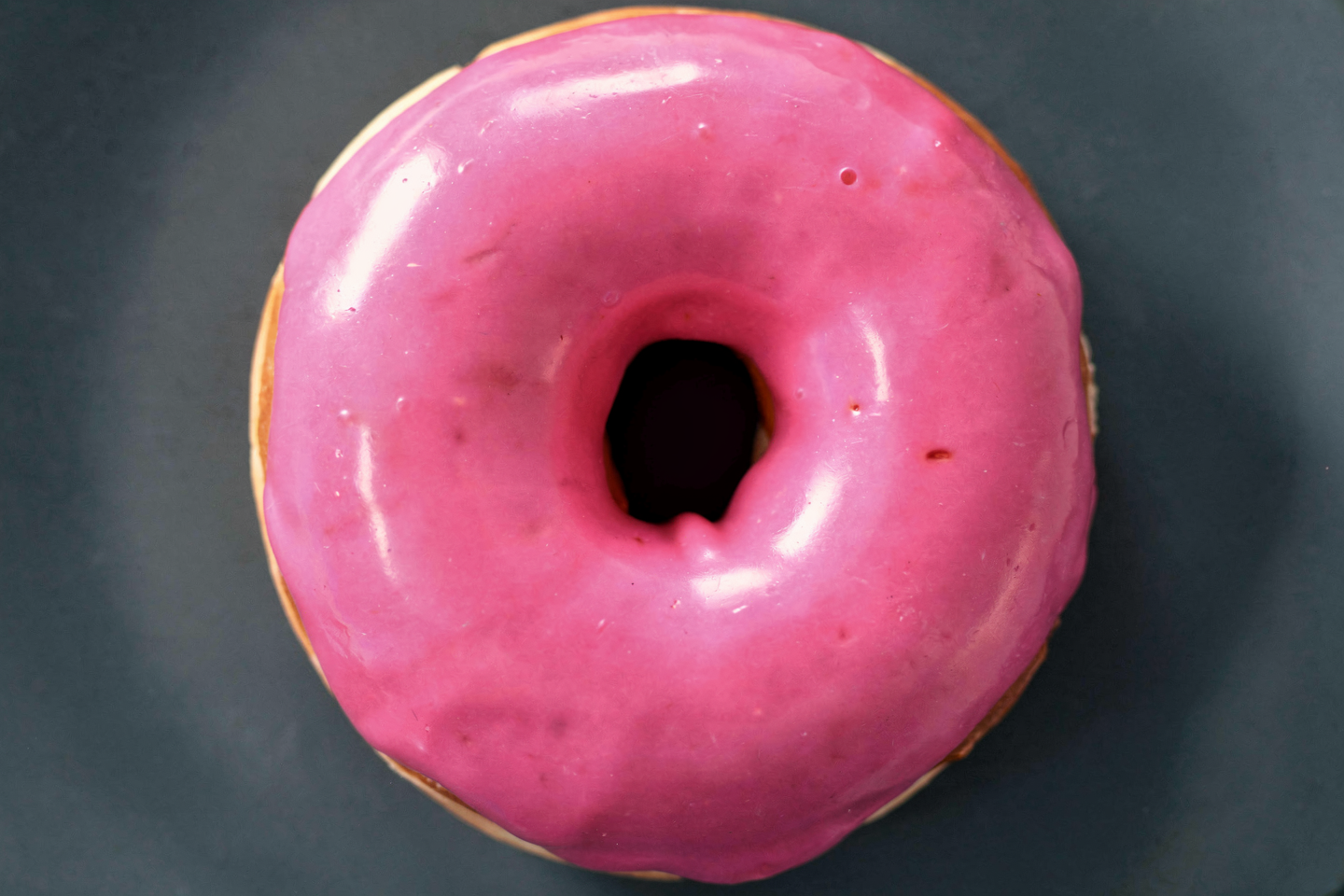
Add, remove, or replace objects in a scene. Be specific about what should change and what should stay.Remove object
Remove object

Replace object
Replace object
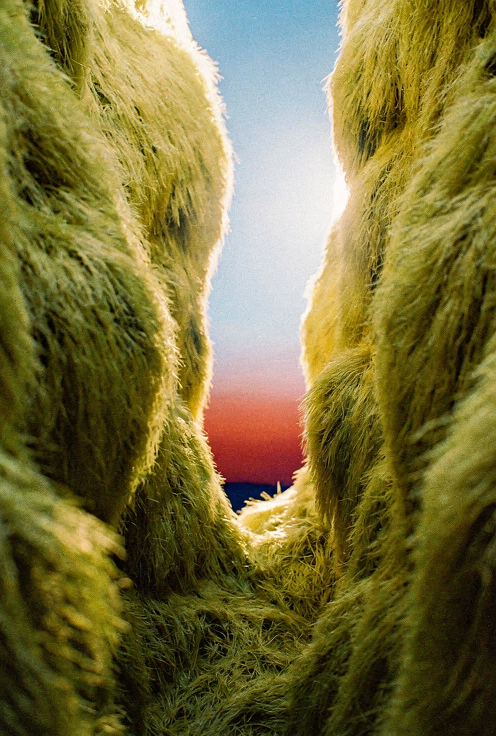
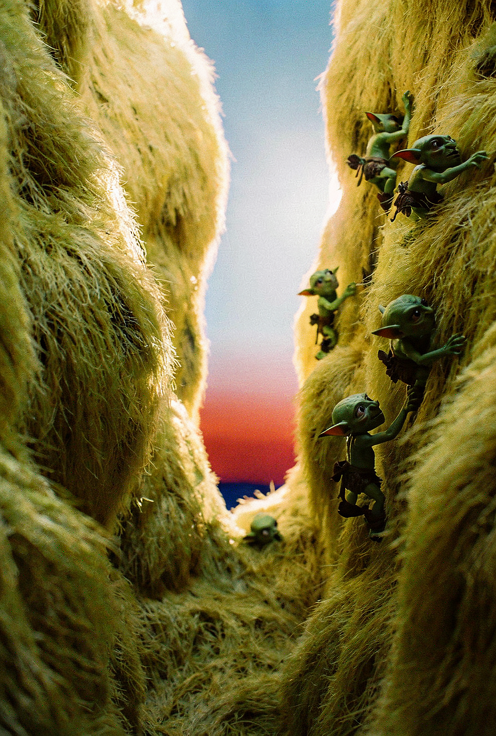
Add object
Add object
Replace subject
Replace subject
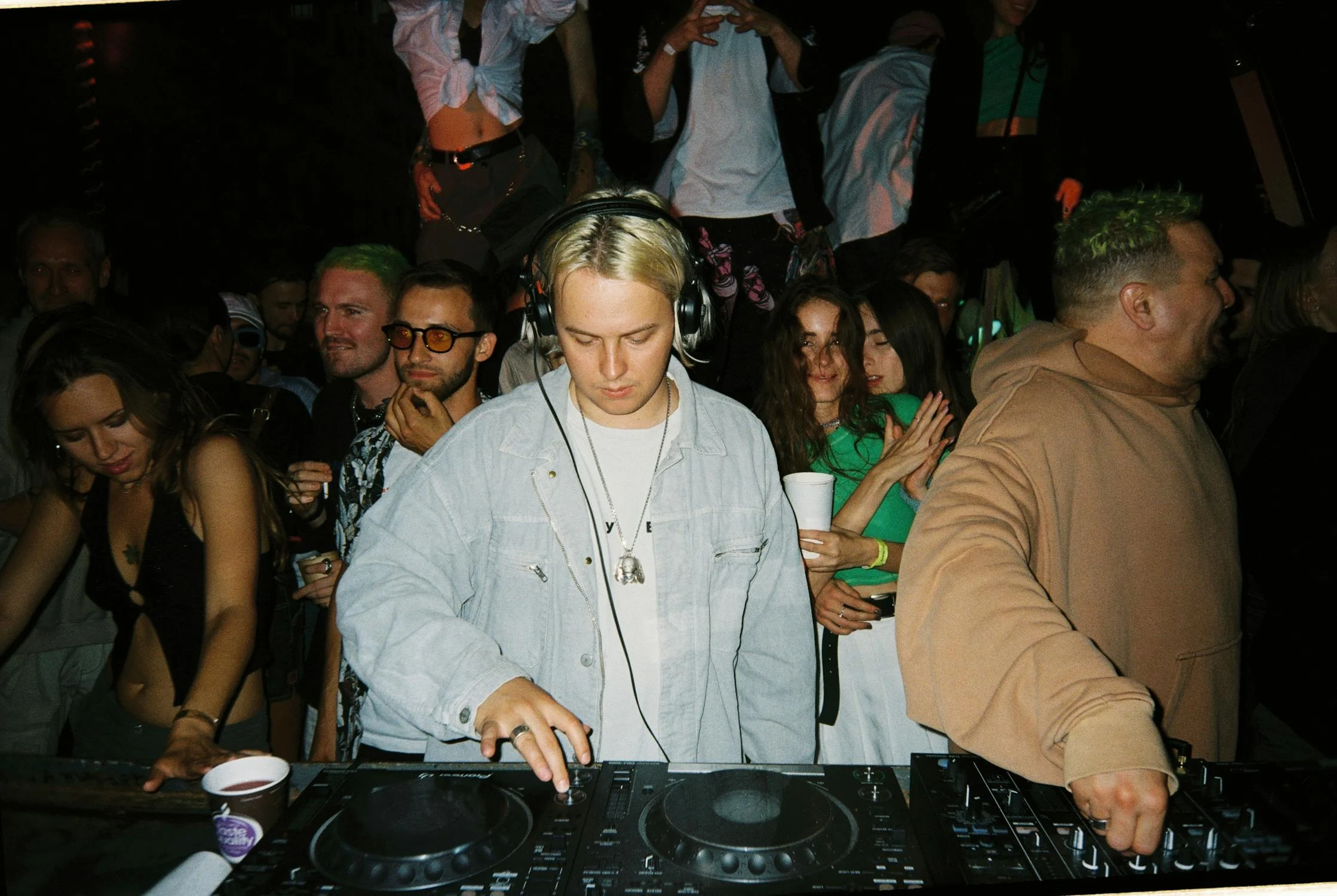
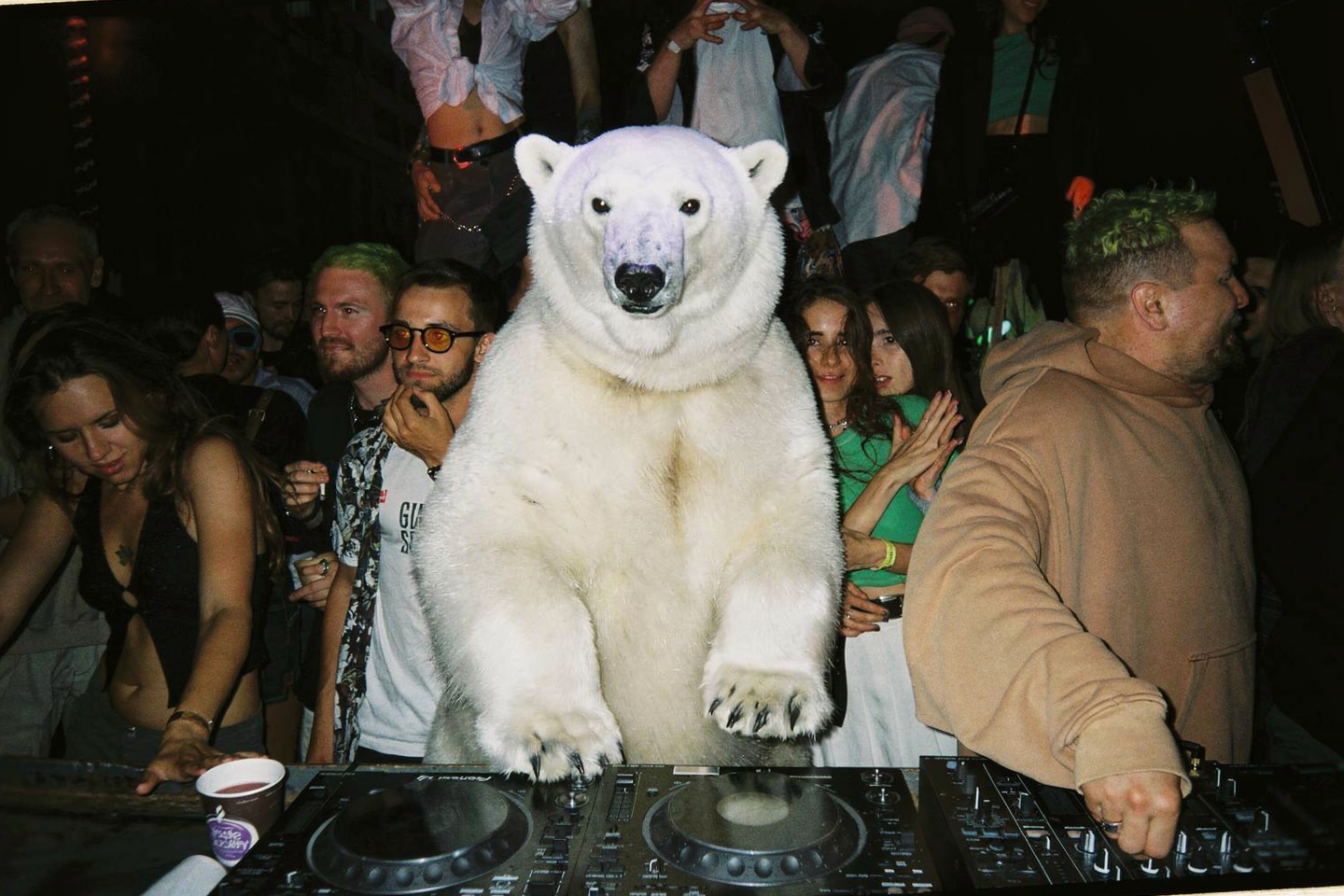
Selective replacement
Selective replacement
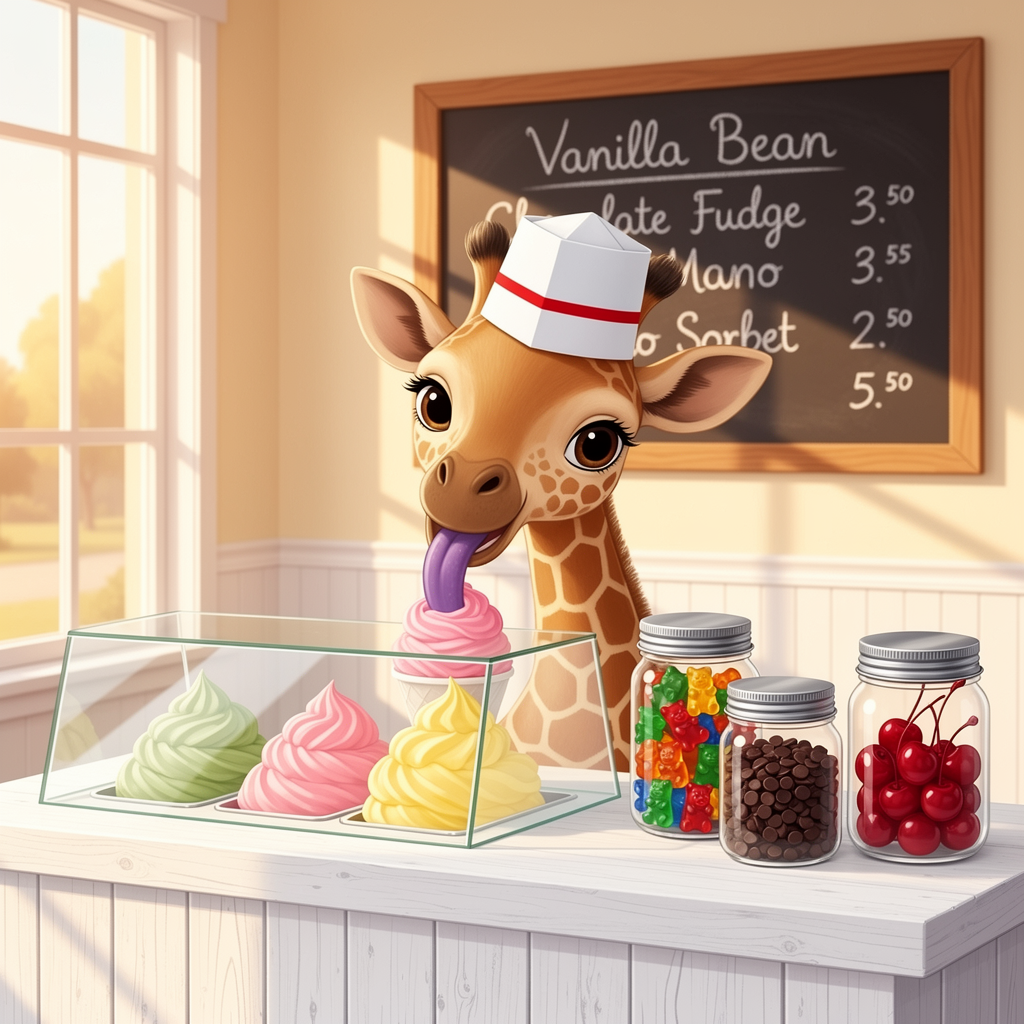
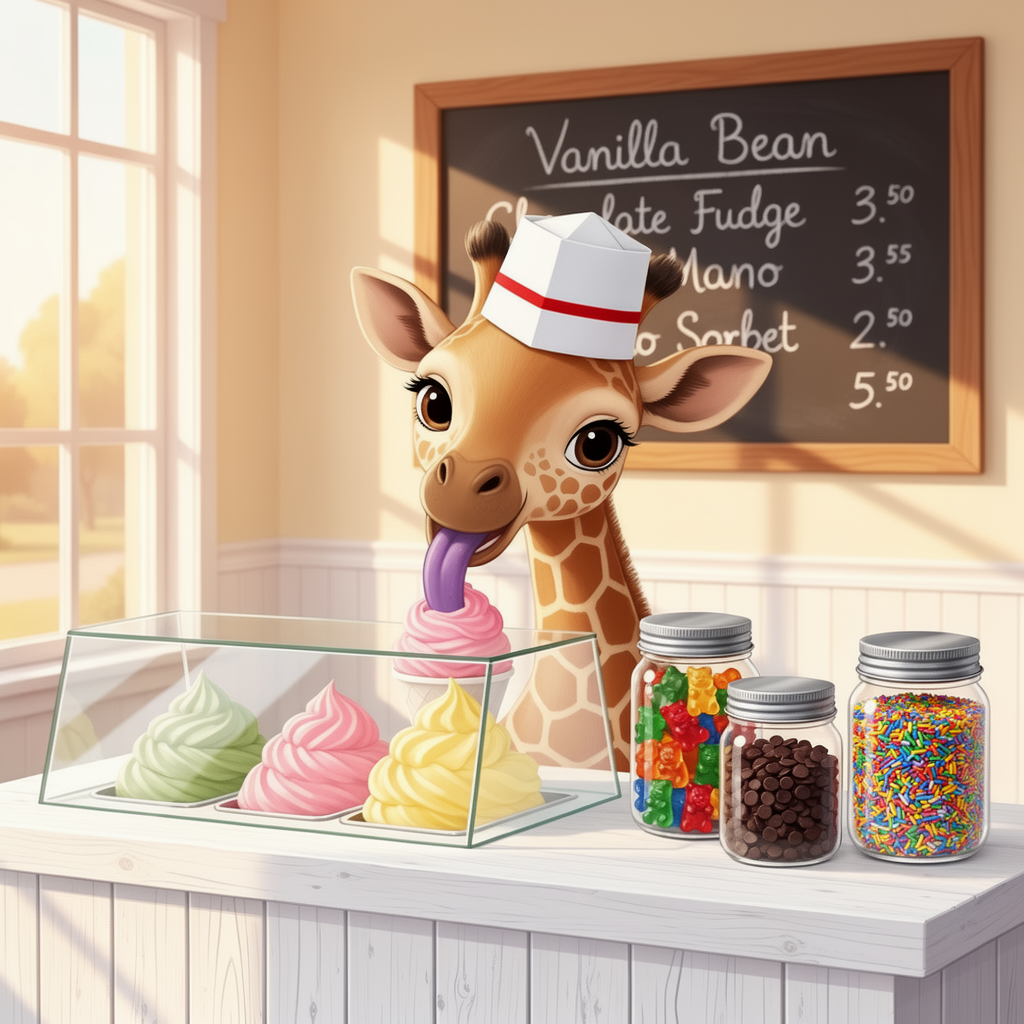
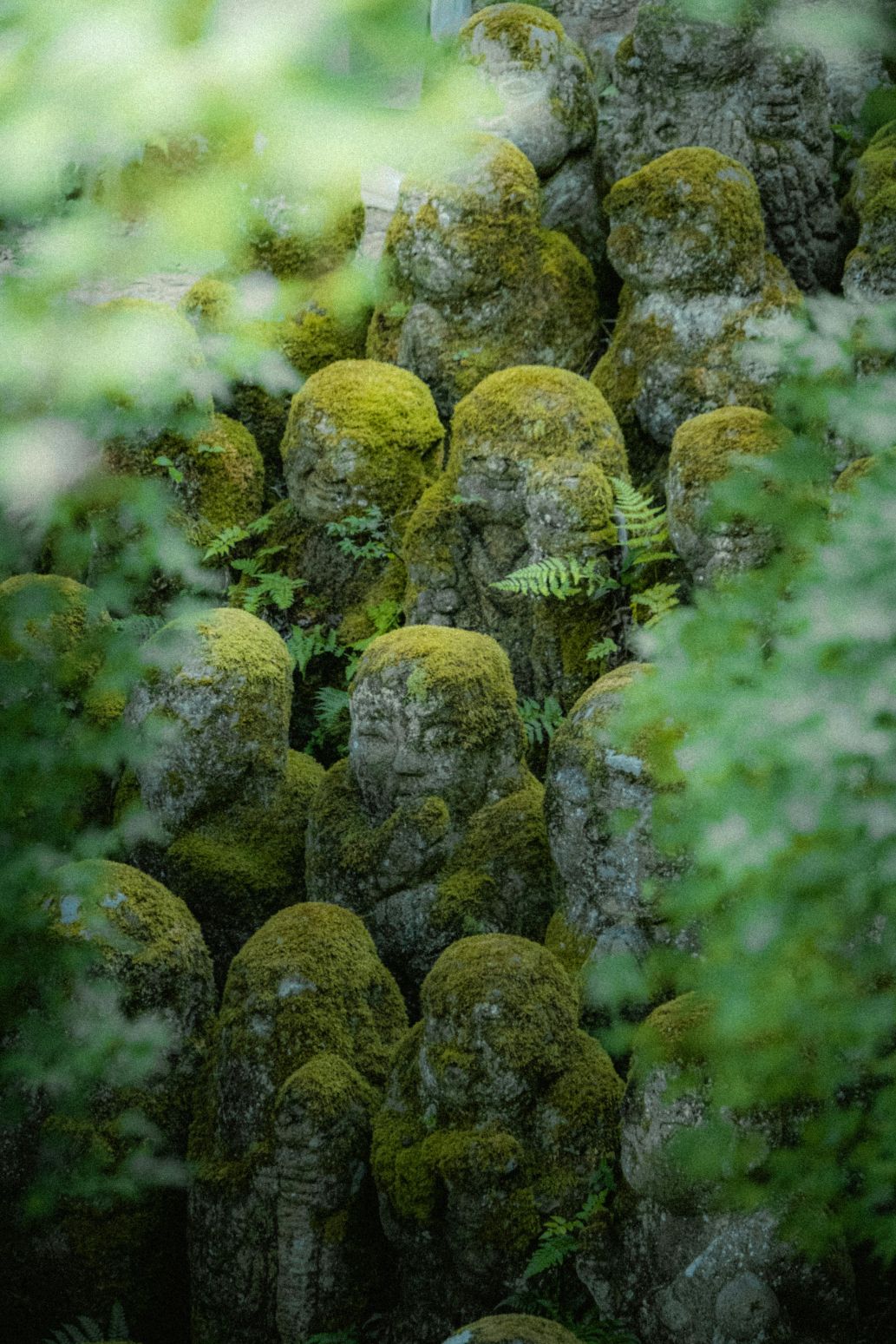
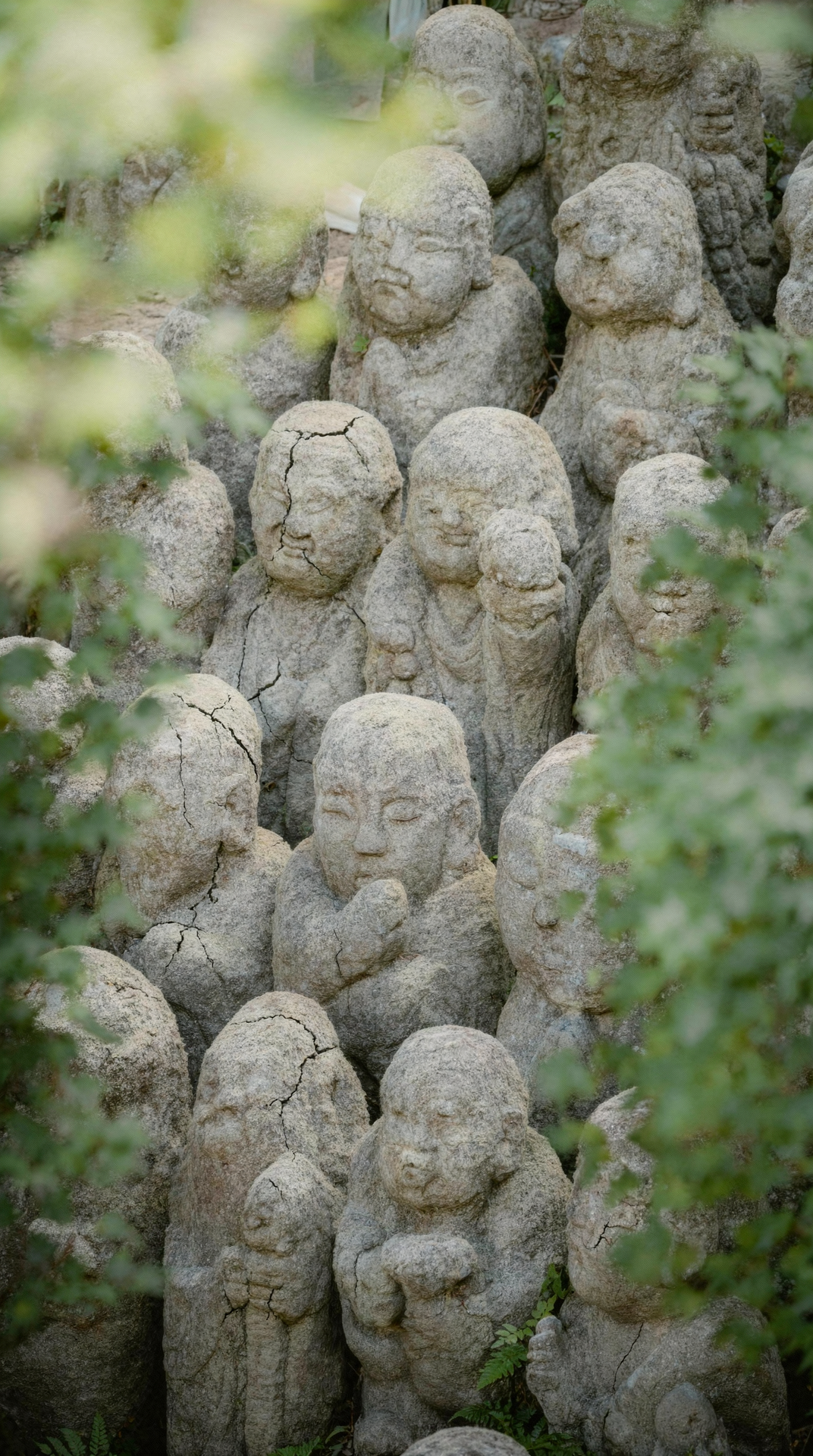
Remove vegetation
Remove vegetation
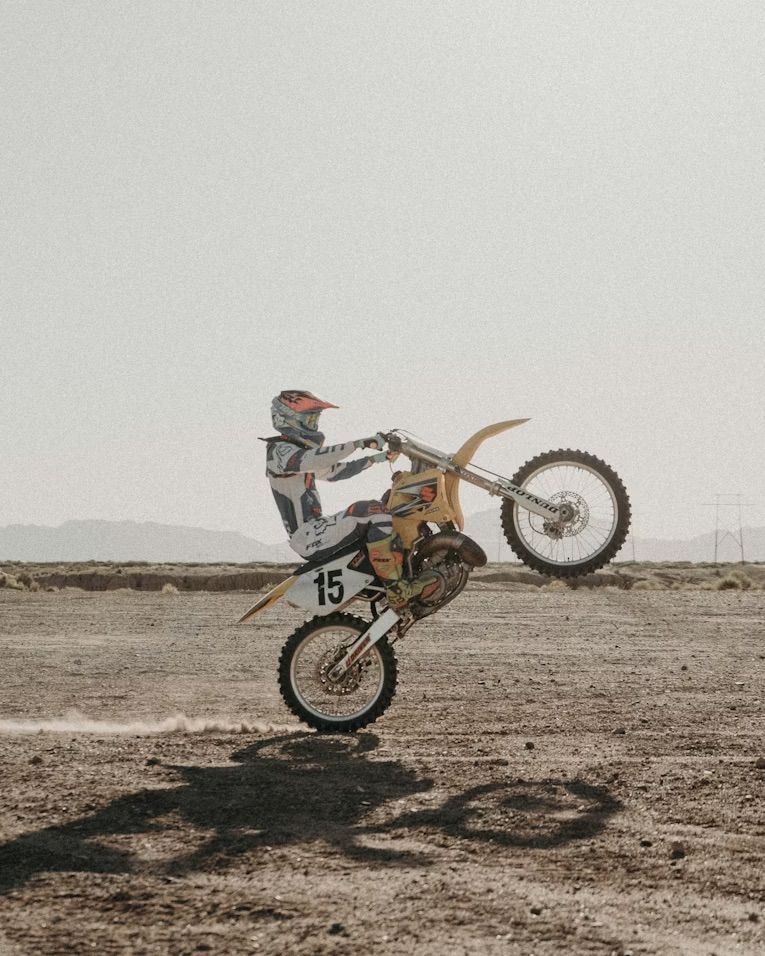
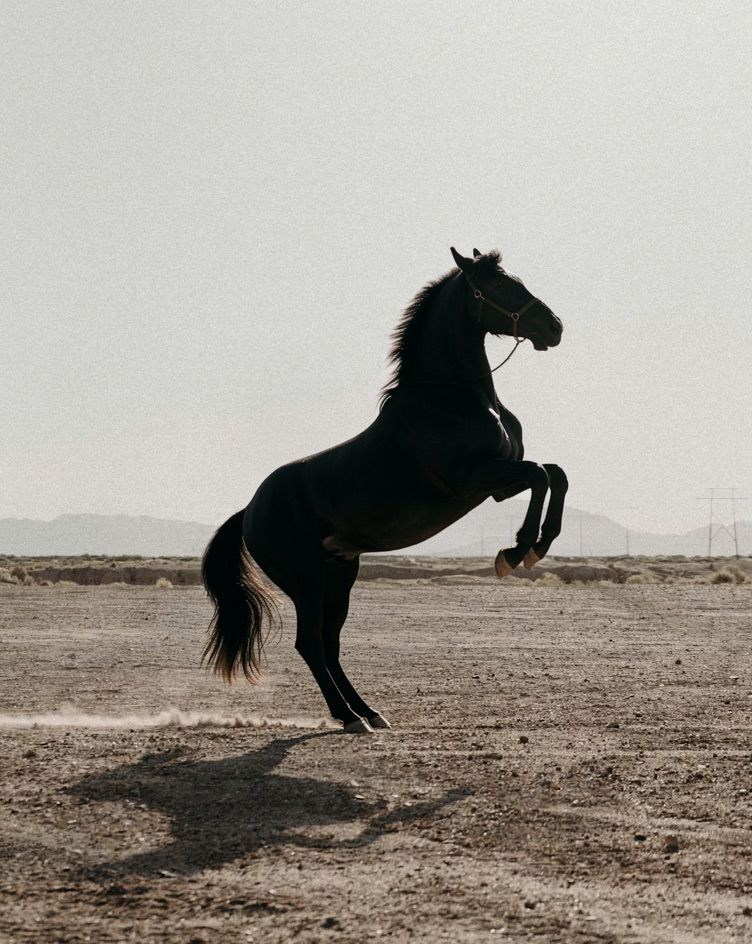
Object swap — bike to horse
Object swap — bike to horse
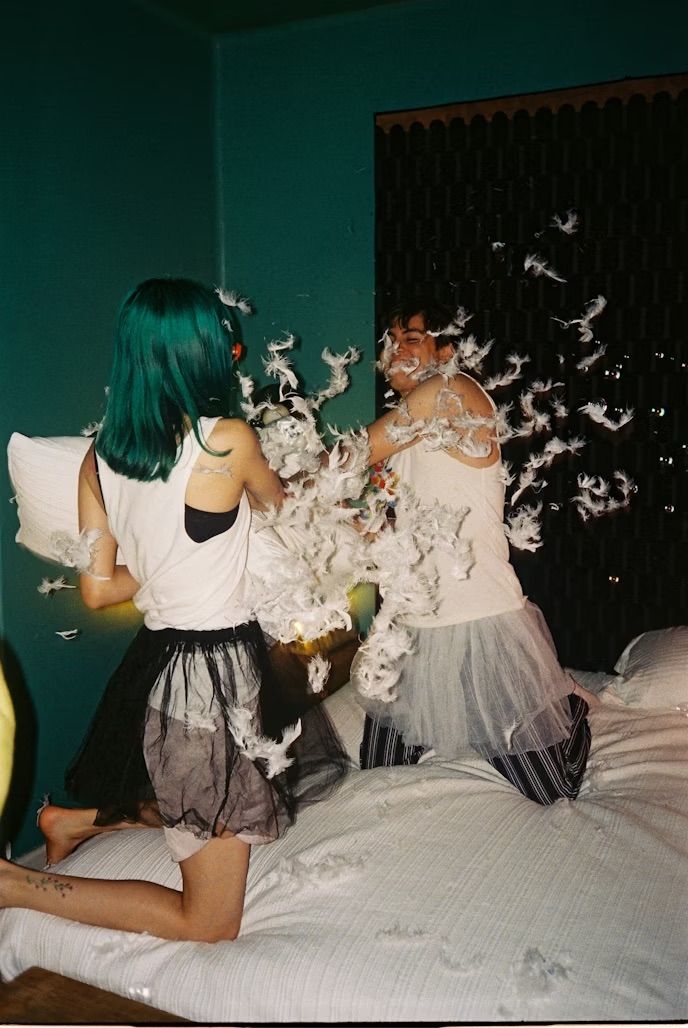
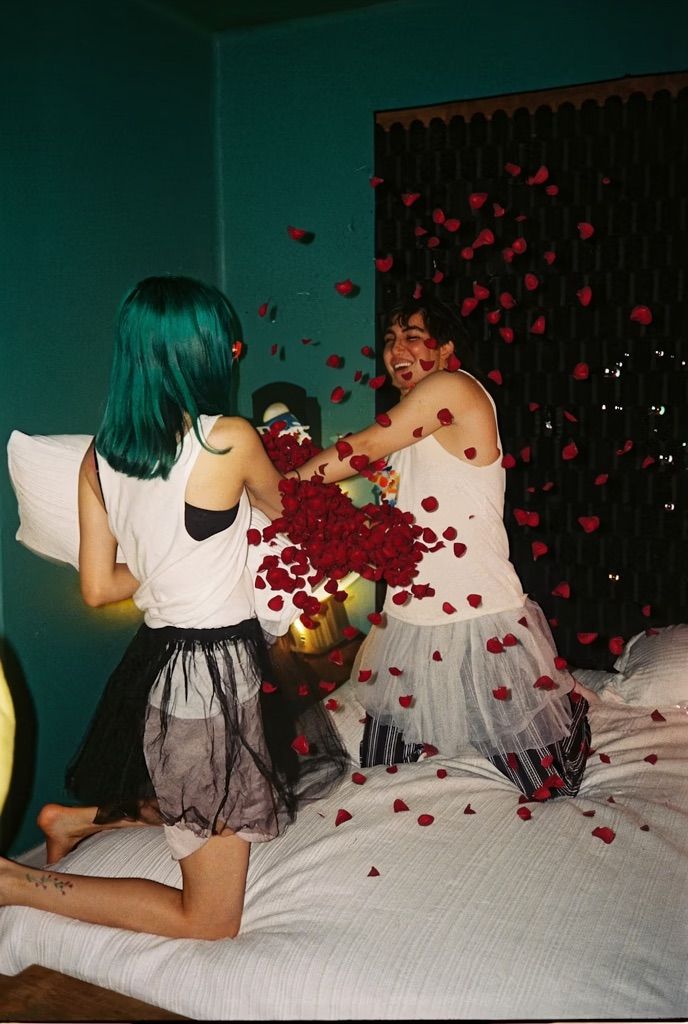
Element replacement — feathers to petals
Element replacement — feathers to petals
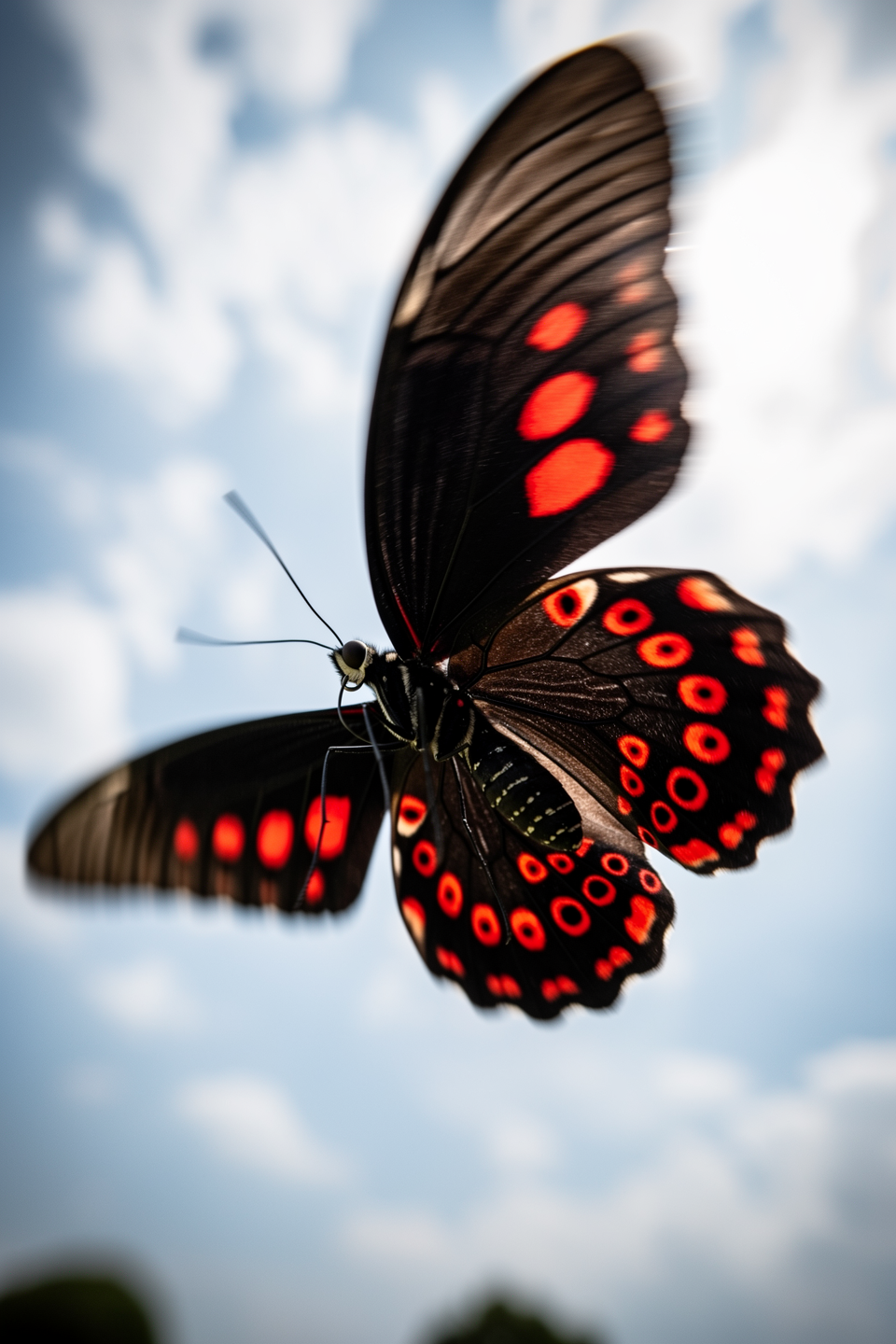
Color & Material Changes
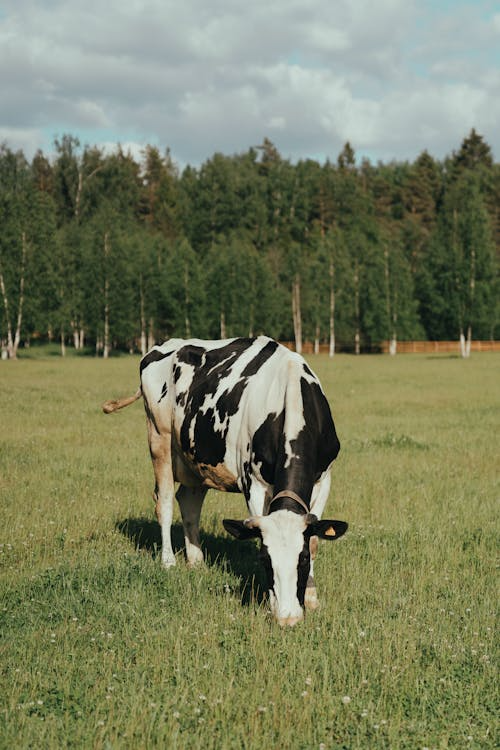
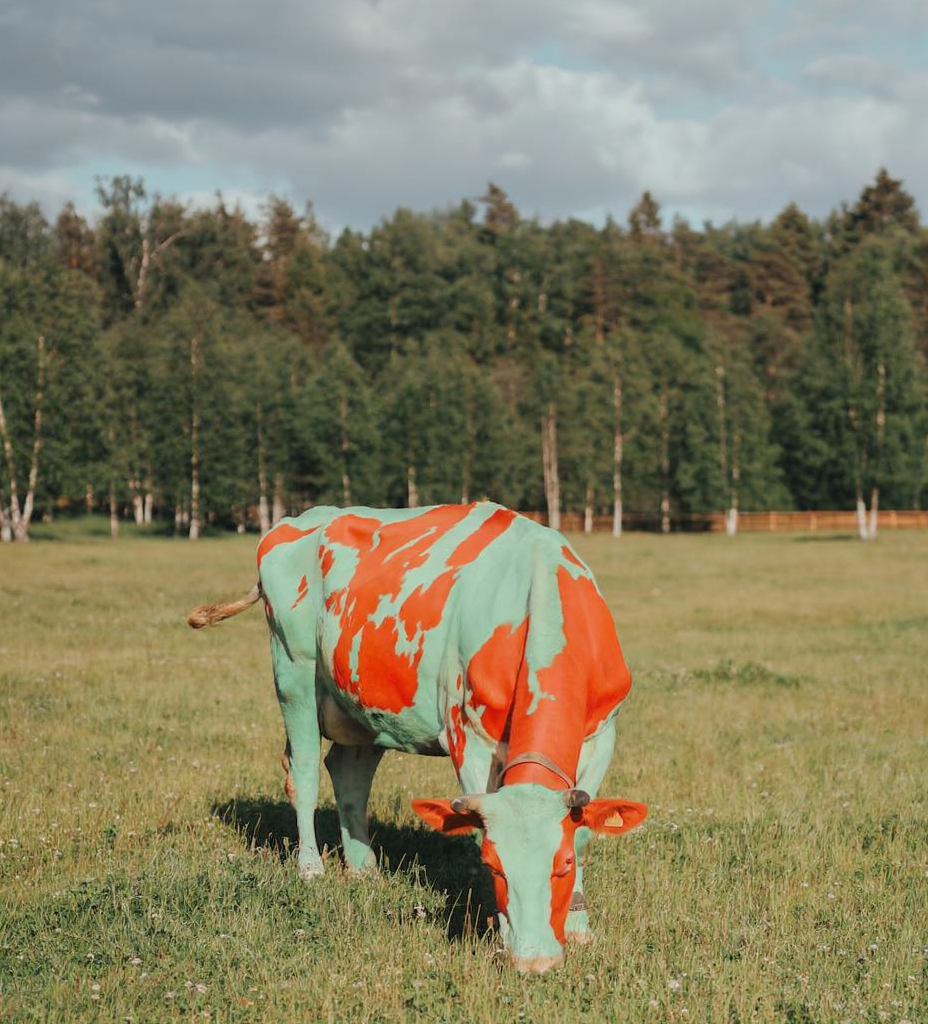
Recolor specific elements or transform materials — FLUX.2 supports hex color codes for precision.Recolor with hex codes
Recolor with hex codes
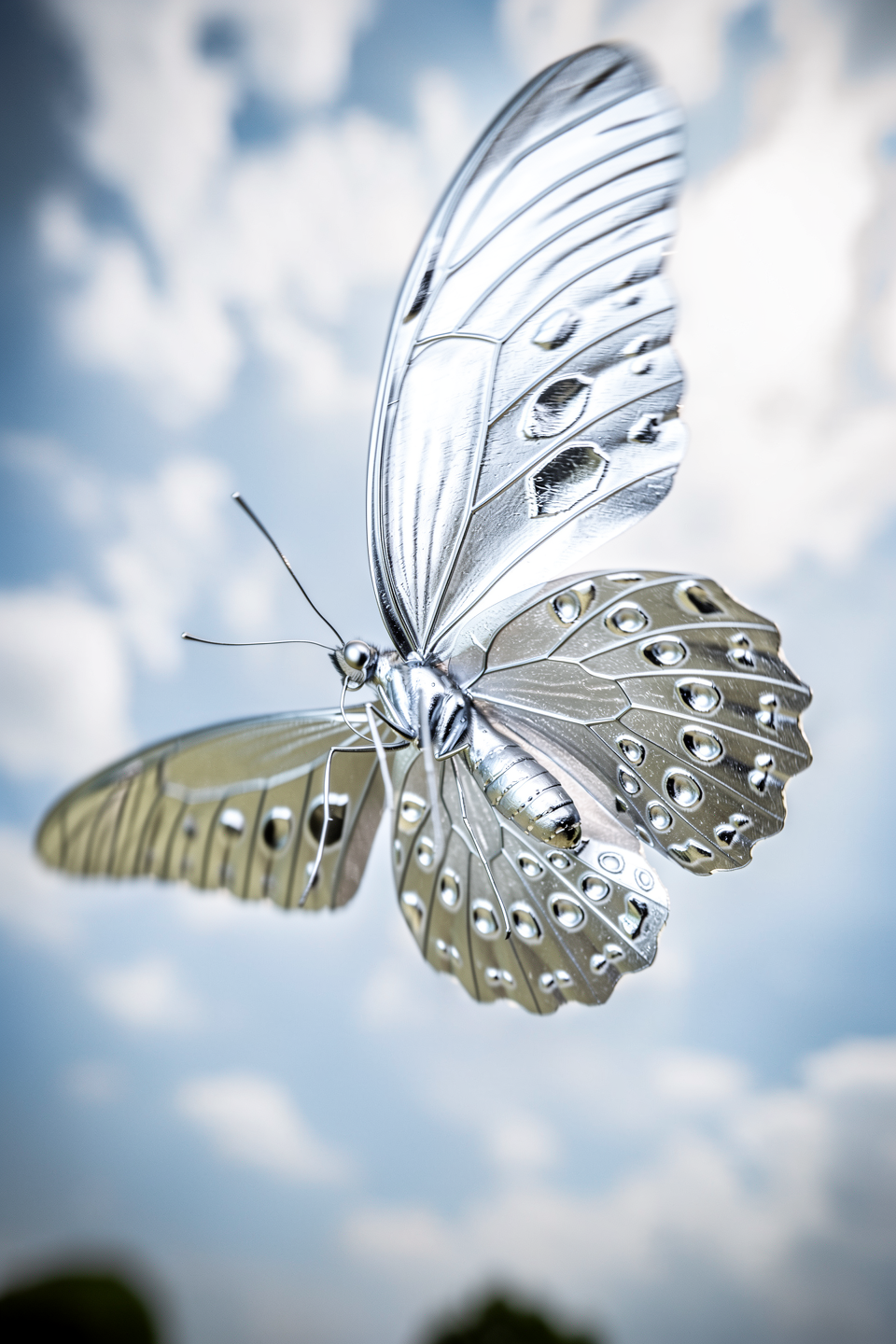
Material transformation — silver
Material transformation — silver
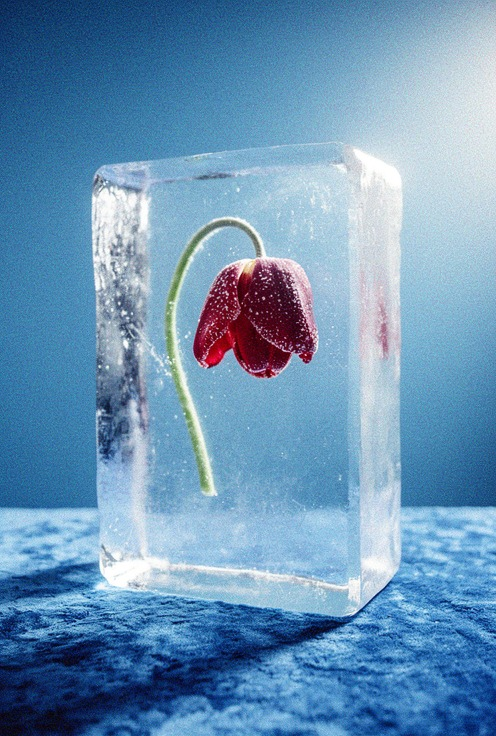
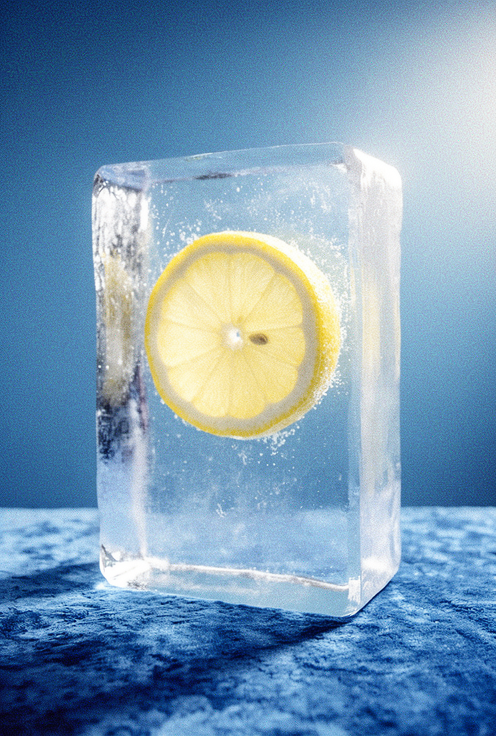
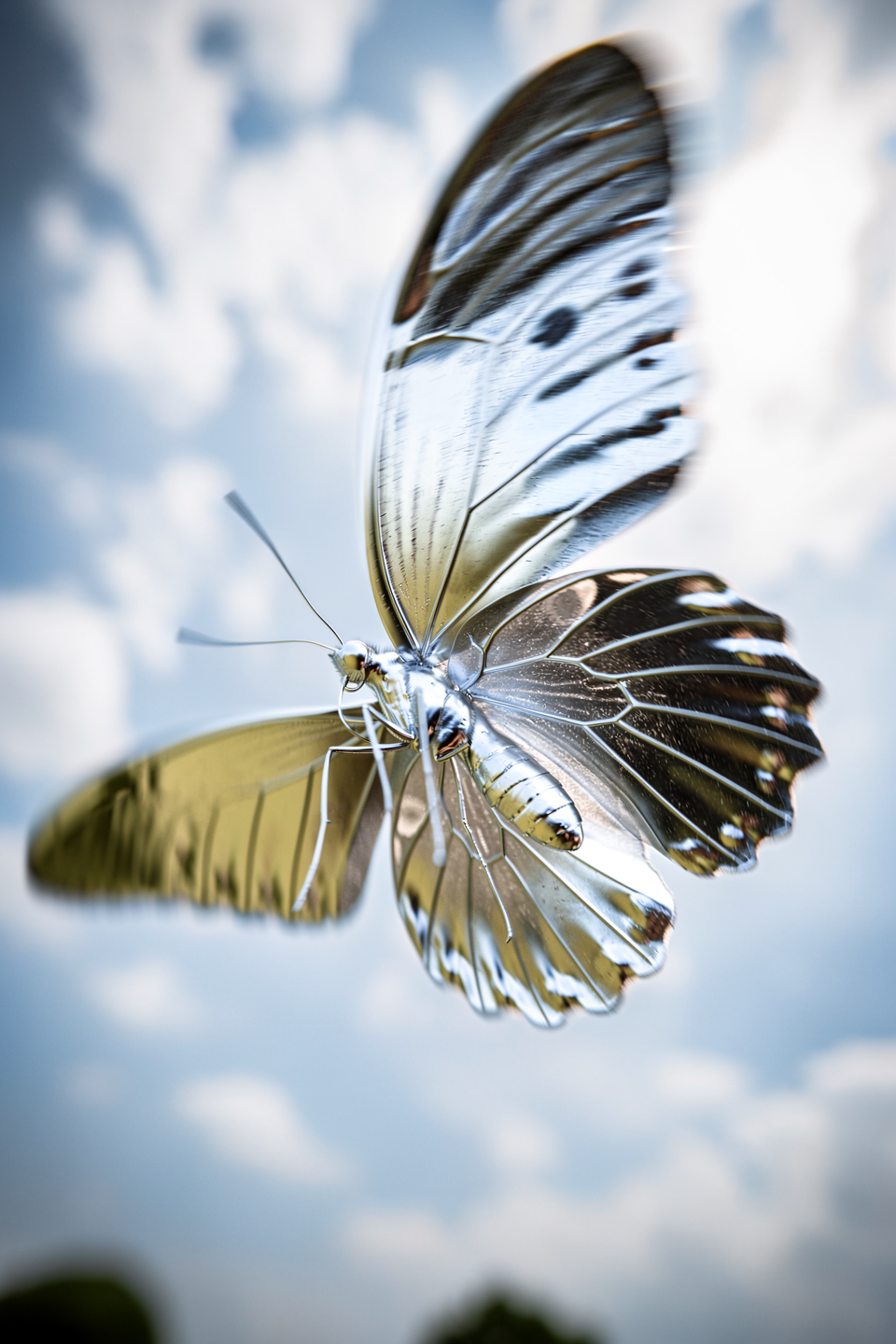
Material transformation — ice
Material transformation — ice

Lighting, Weather & Season Changes
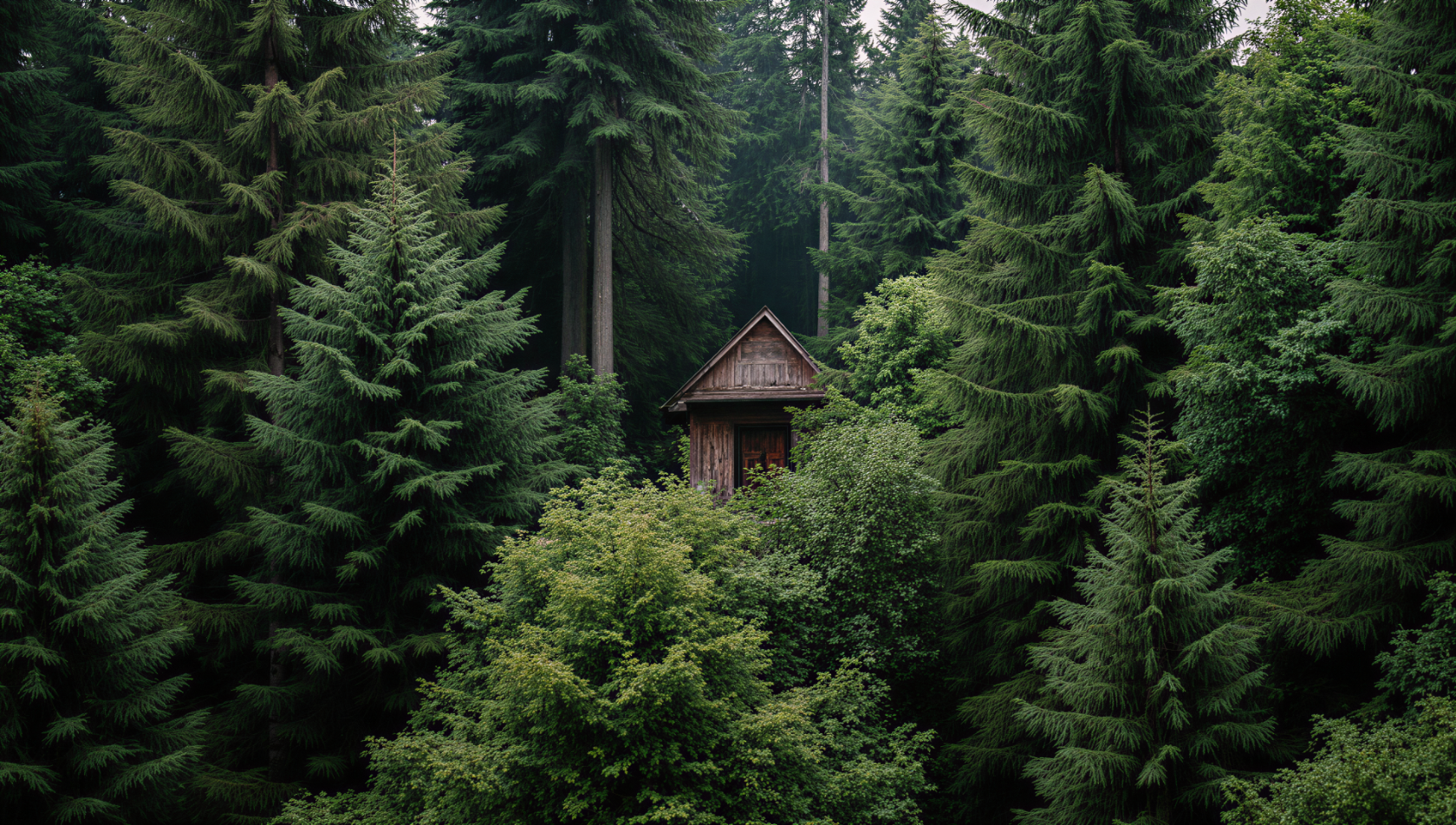
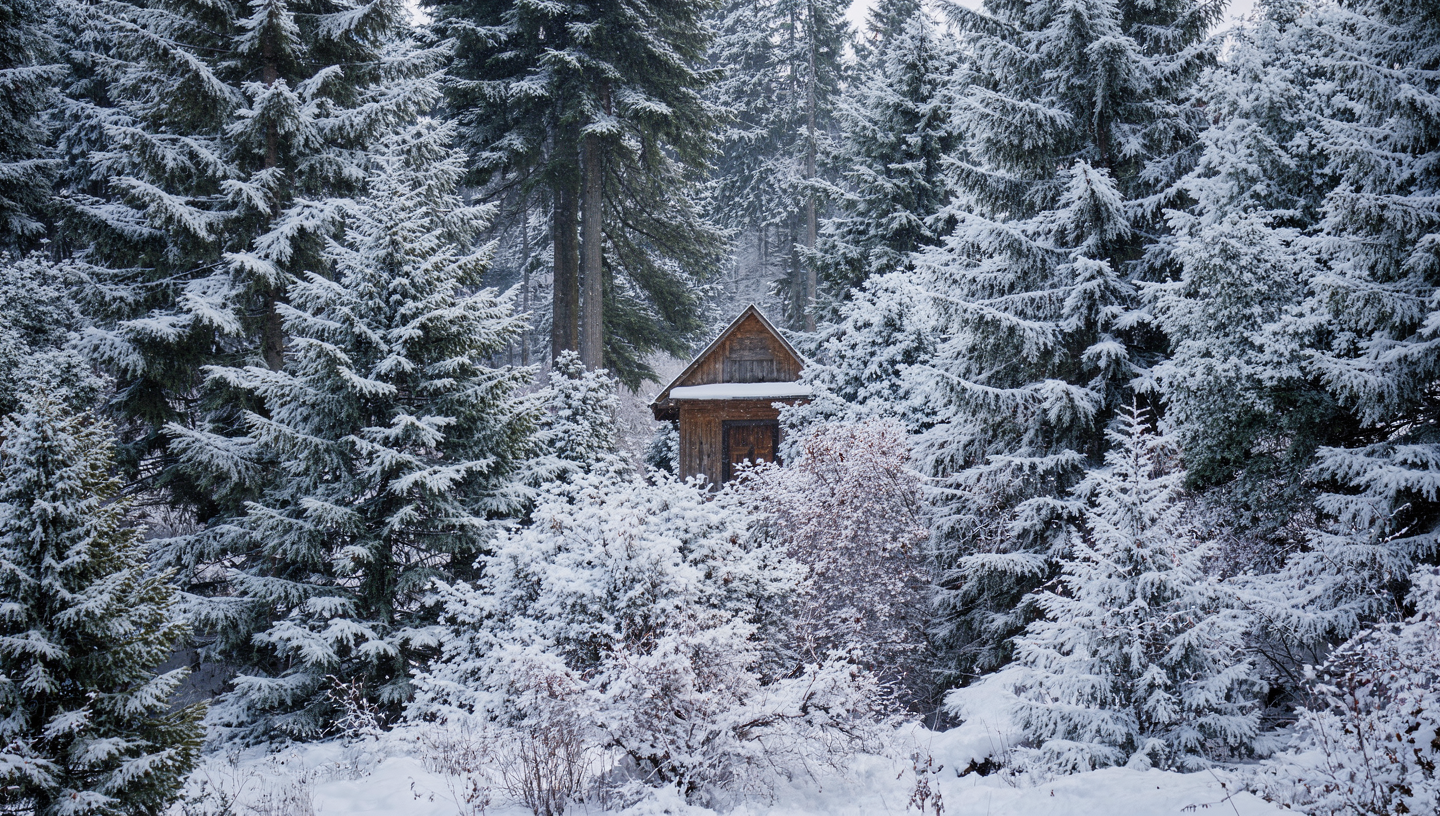
Shift the time of day, season, or weather conditions with a simple instruction.Season change — winter
Season change — winter
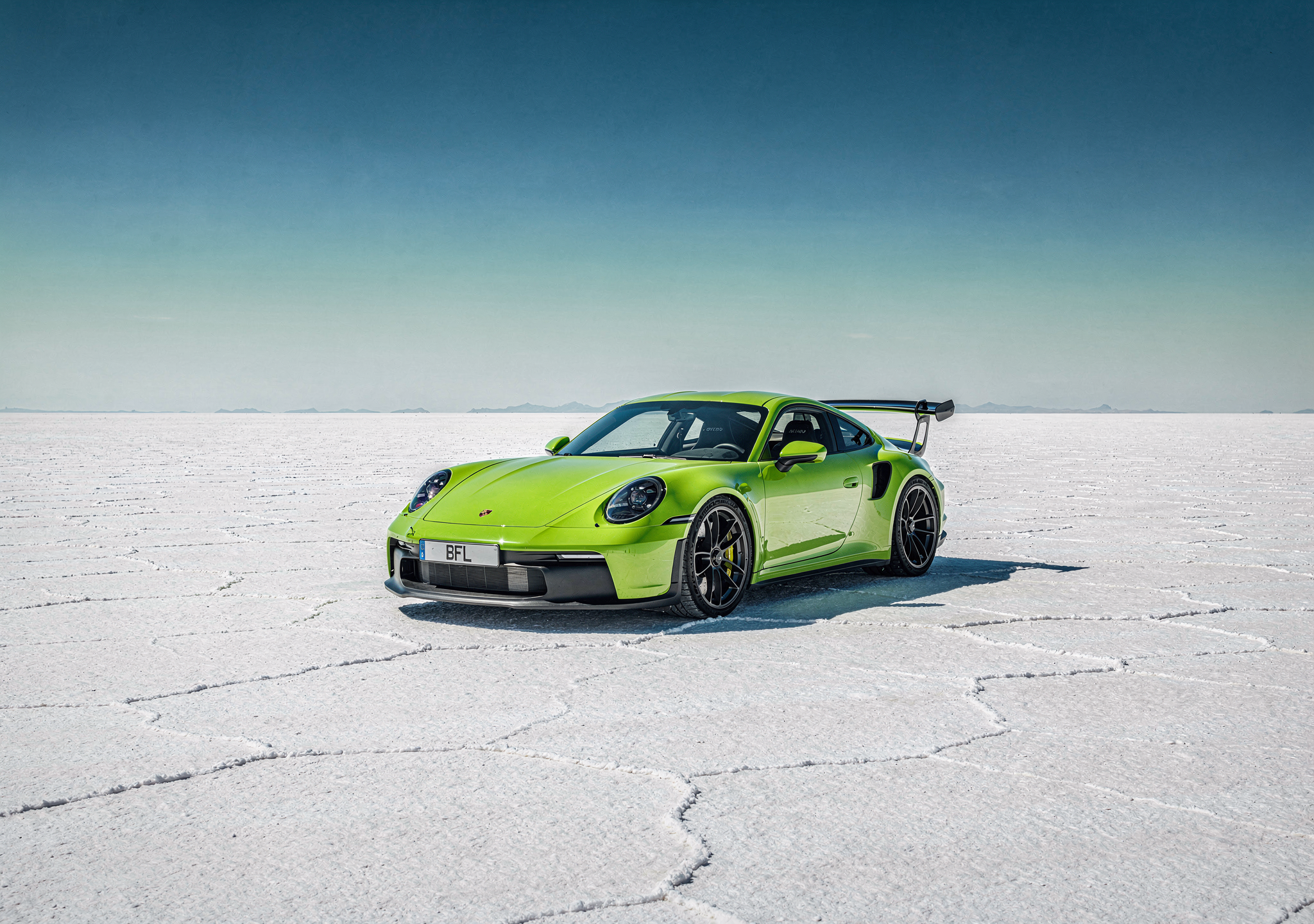
Time of day — night
Time of day — night

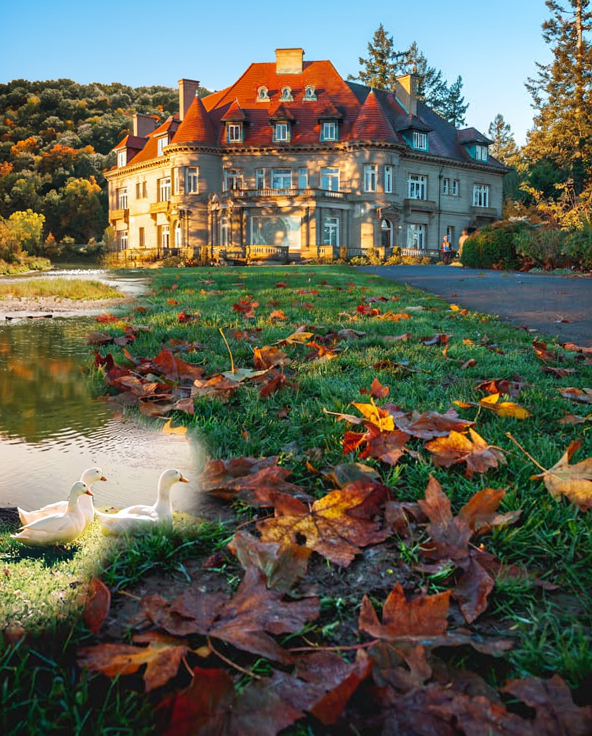
Lighting and color mood
Lighting and color mood

Text Editing
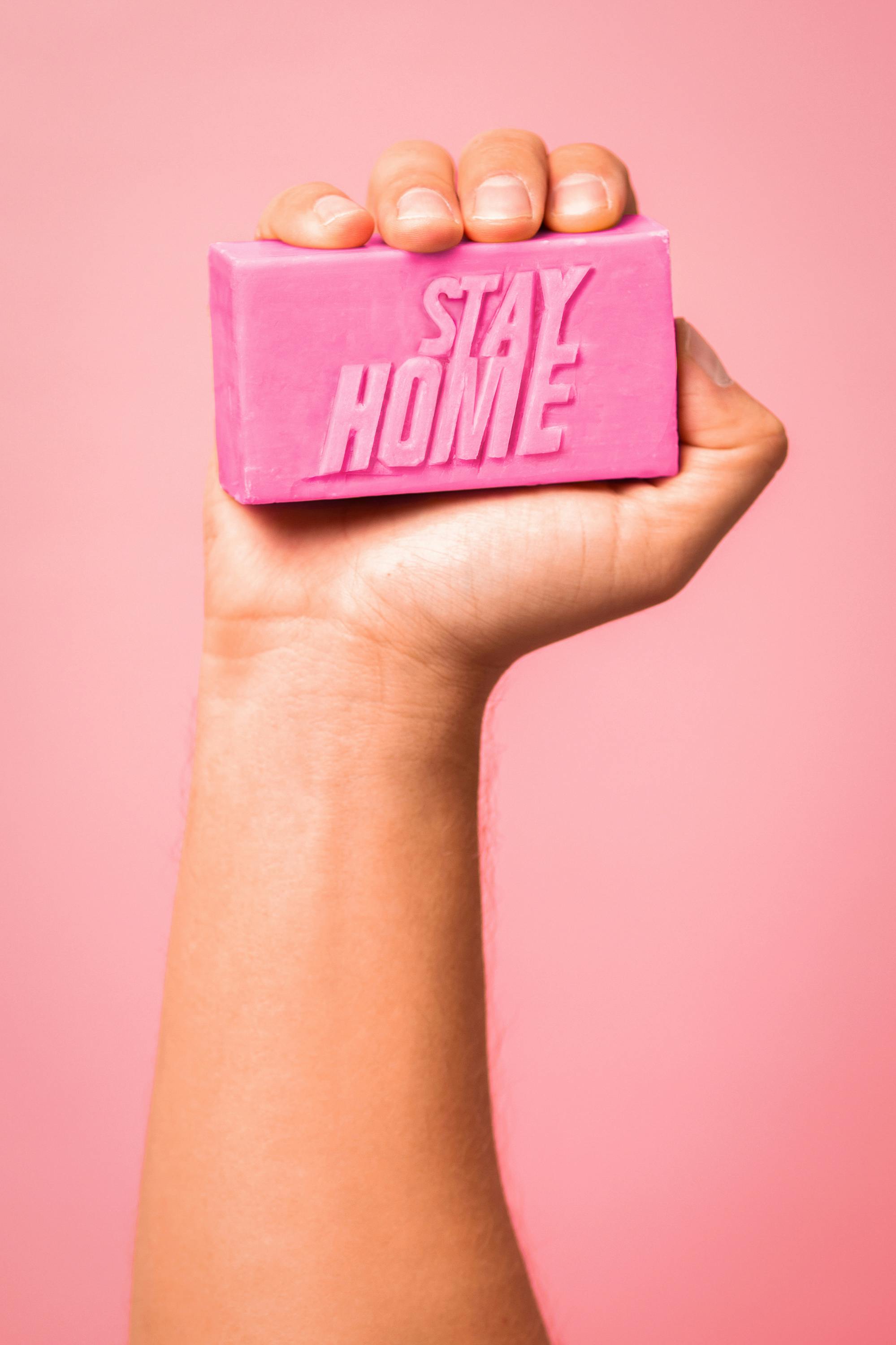
Add, replace, or modify text within images — from simple swaps to full ad layouts.Simple text replacement
Simple text replacement
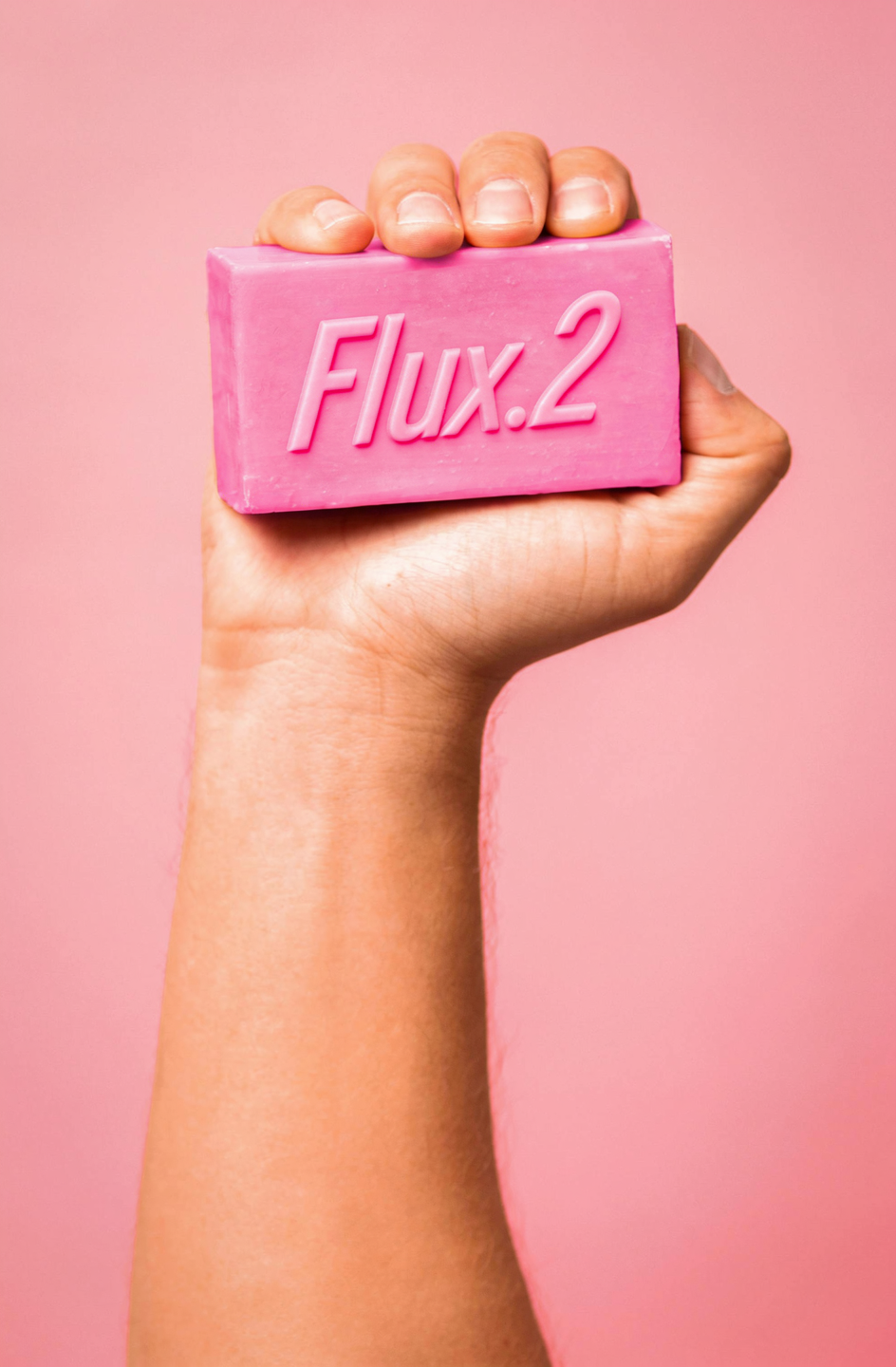
Neon sign text
Neon sign text
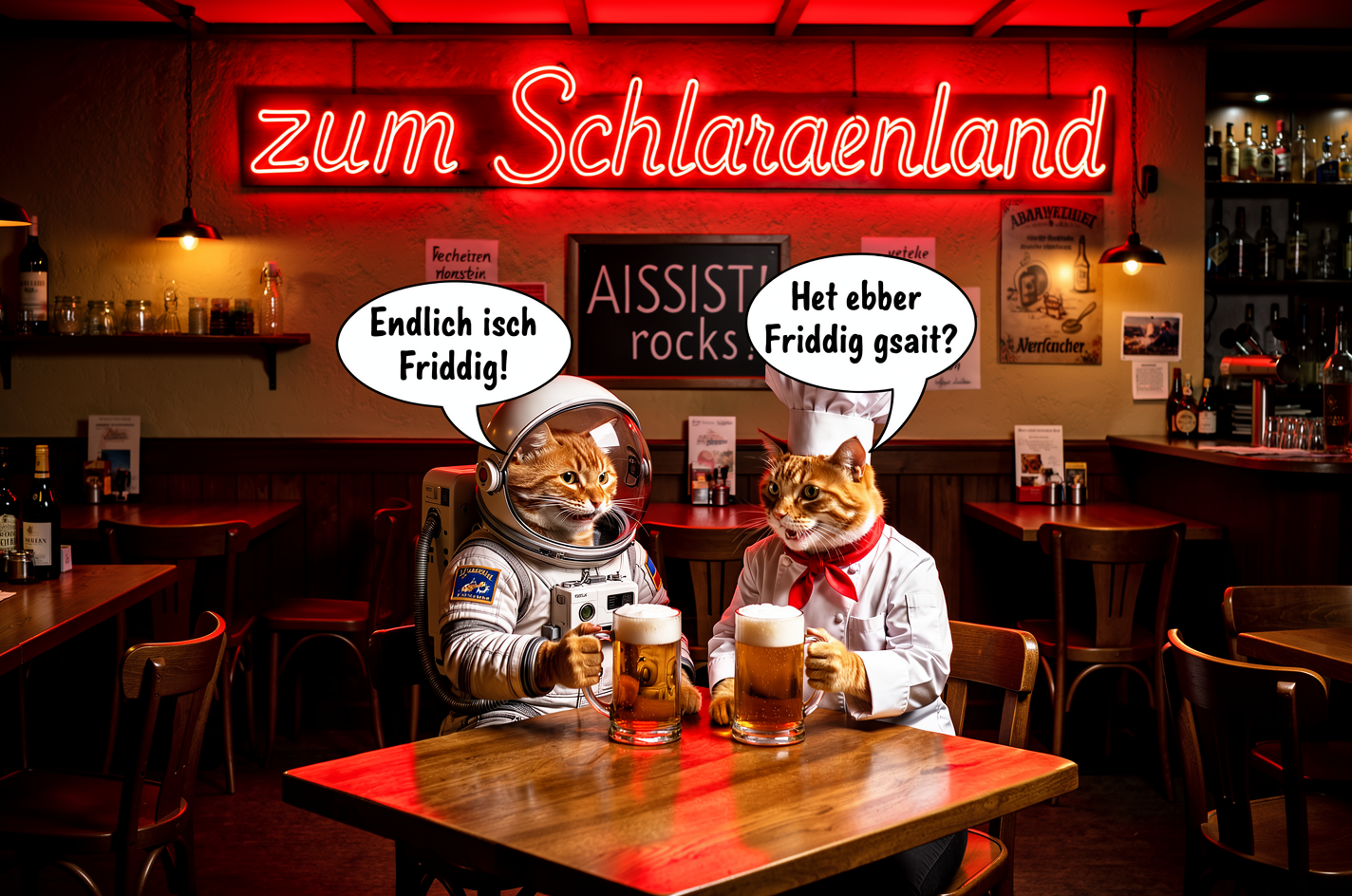
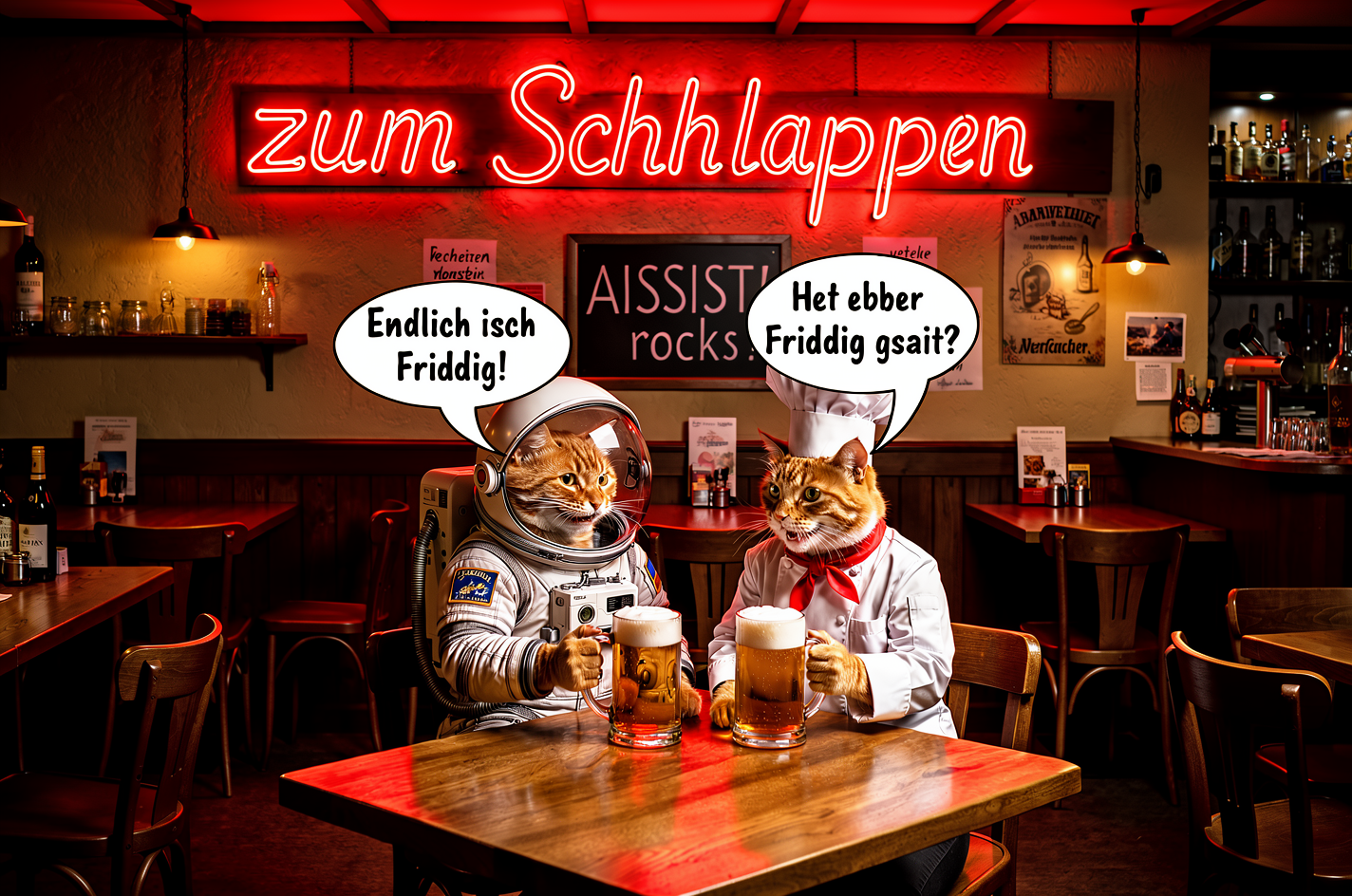
Sign replacement + scene edit
Sign replacement + scene edit
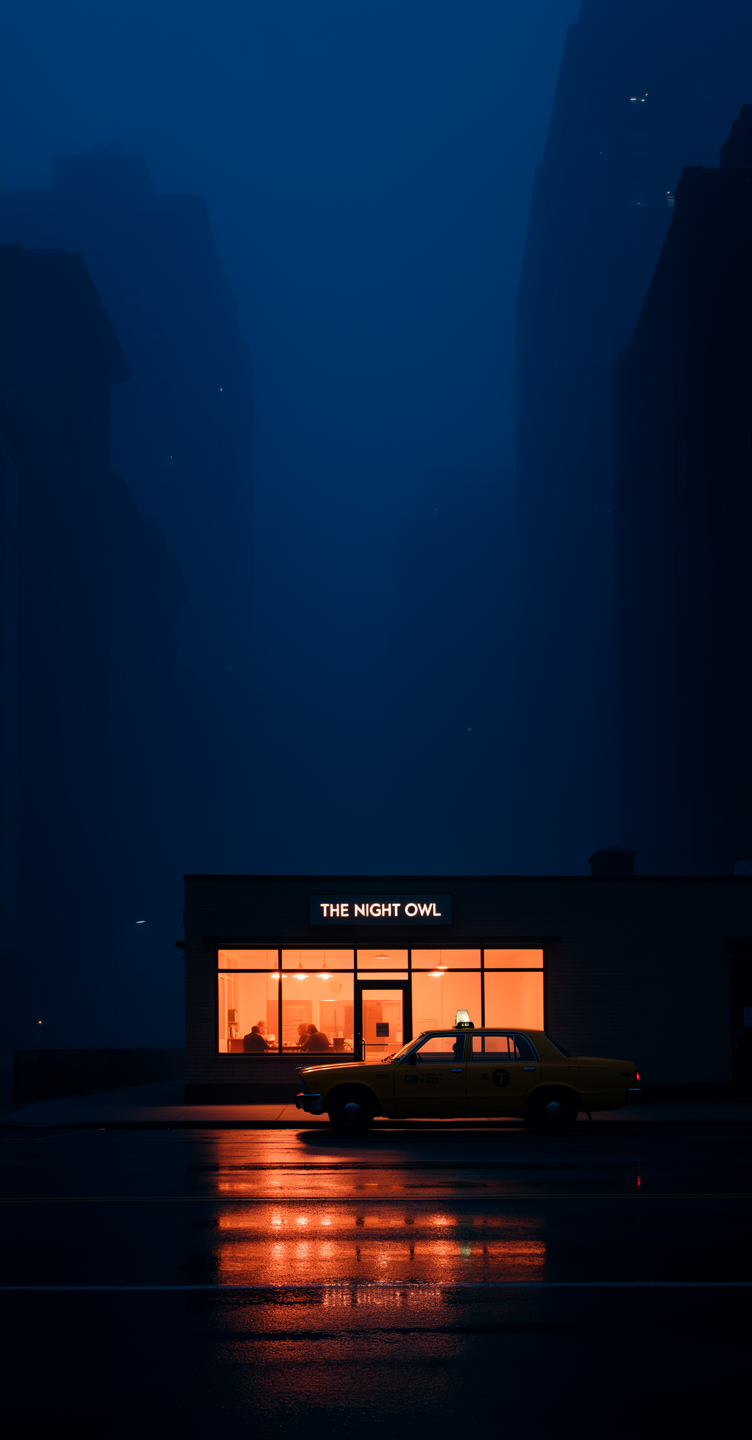
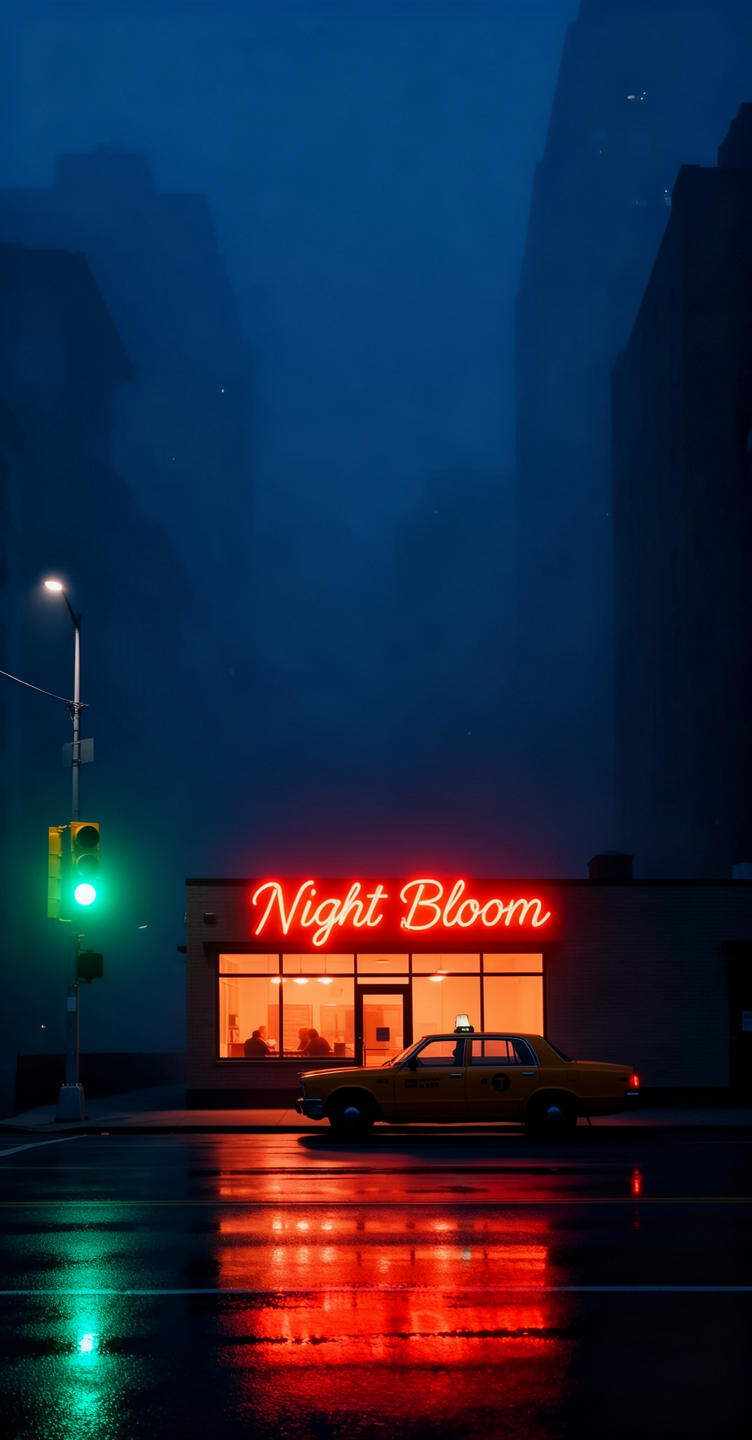
Ad creation with text overlay
Ad creation with text overlay


Virtual Try-On & Clothing
Change outfits, add accessories, or adjust clothing colors — great for fashion and e-commerce.Outfit change
Outfit change
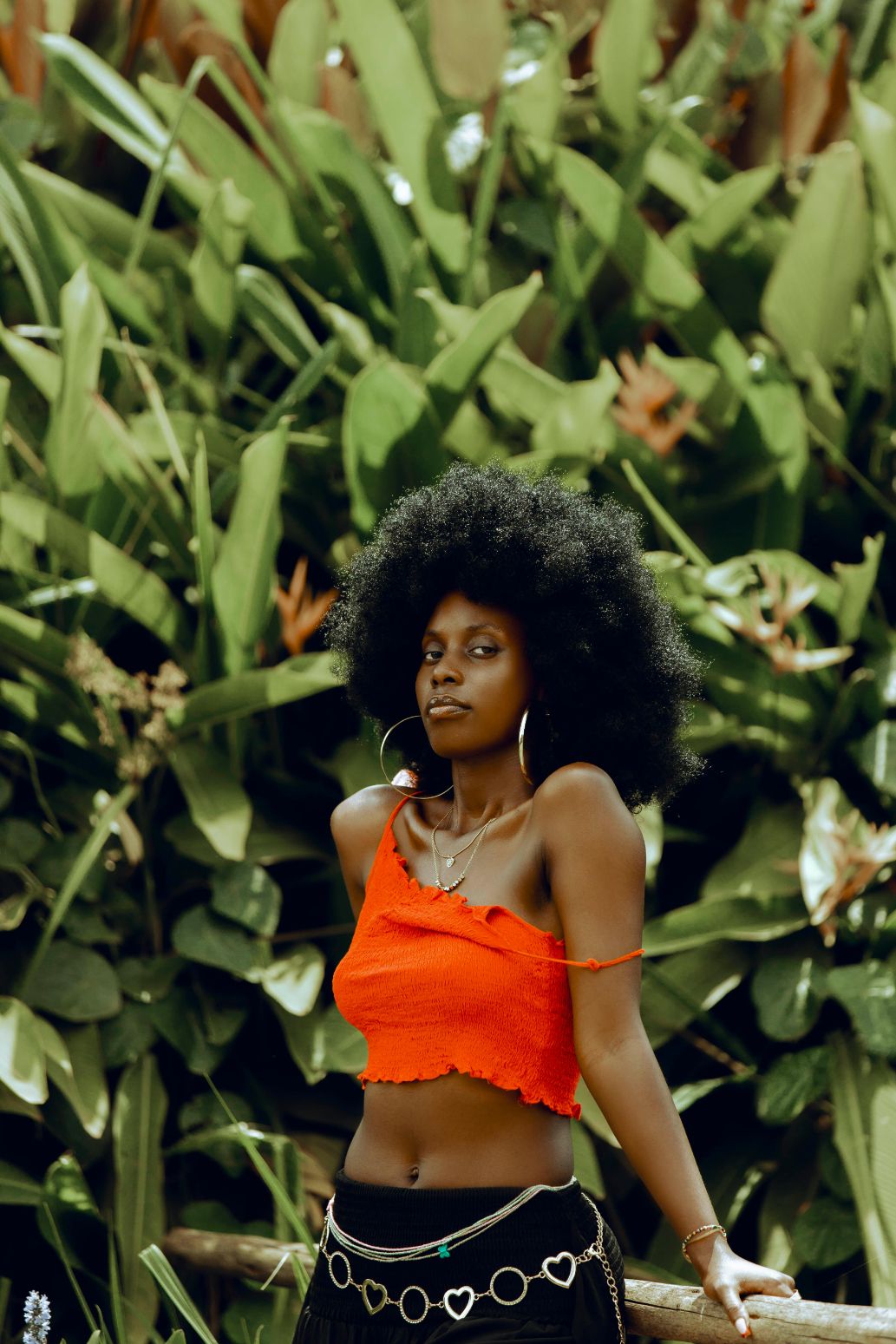
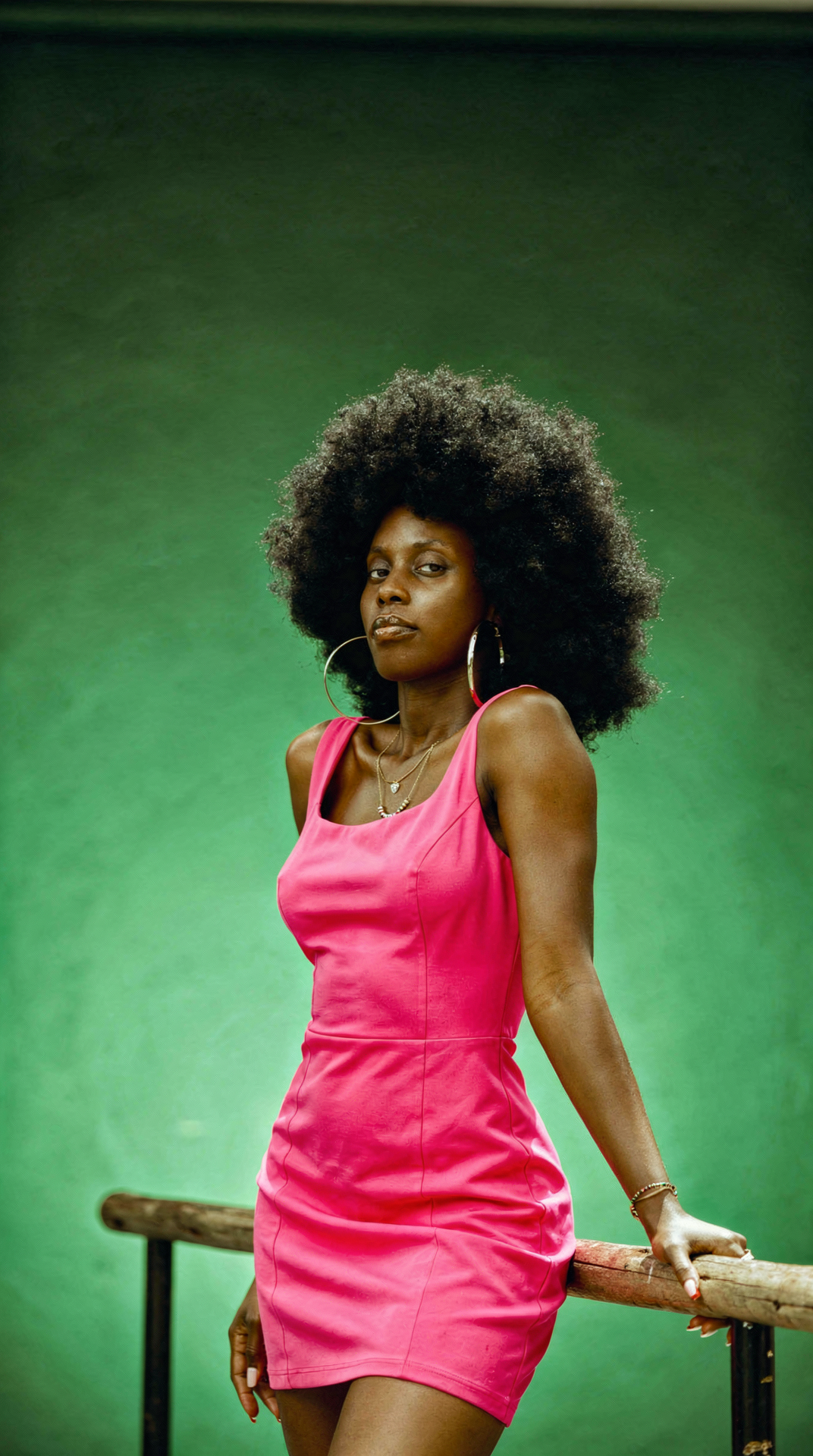
Add accessories with hex colors
Add accessories with hex colors
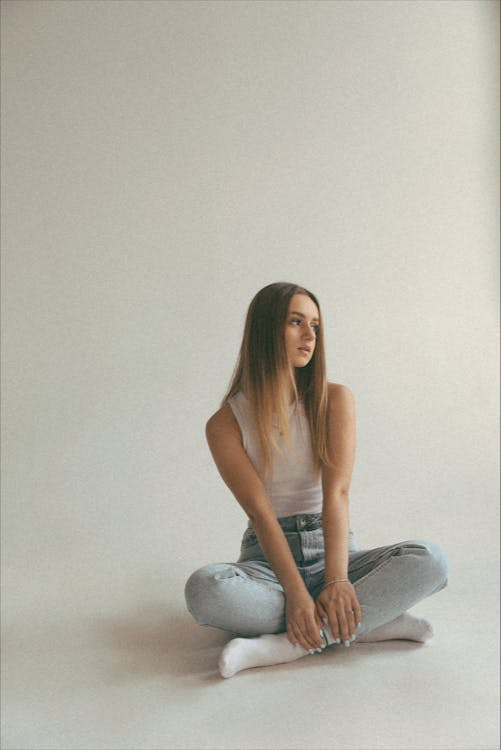
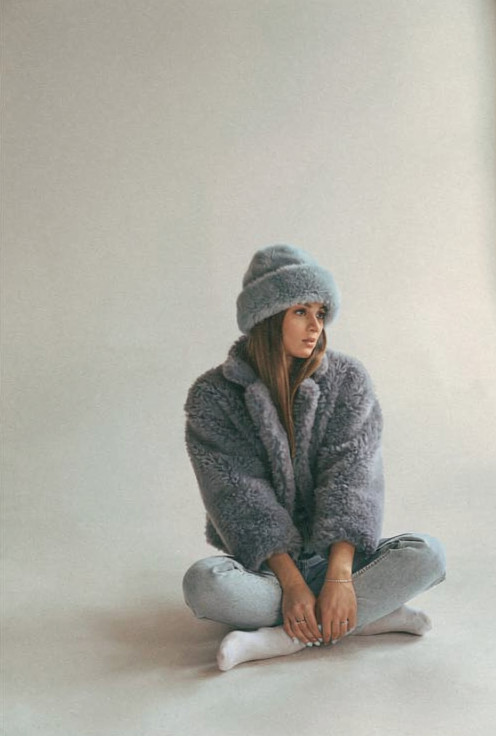
Dress recoloring with detail preservation
Dress recoloring with detail preservation
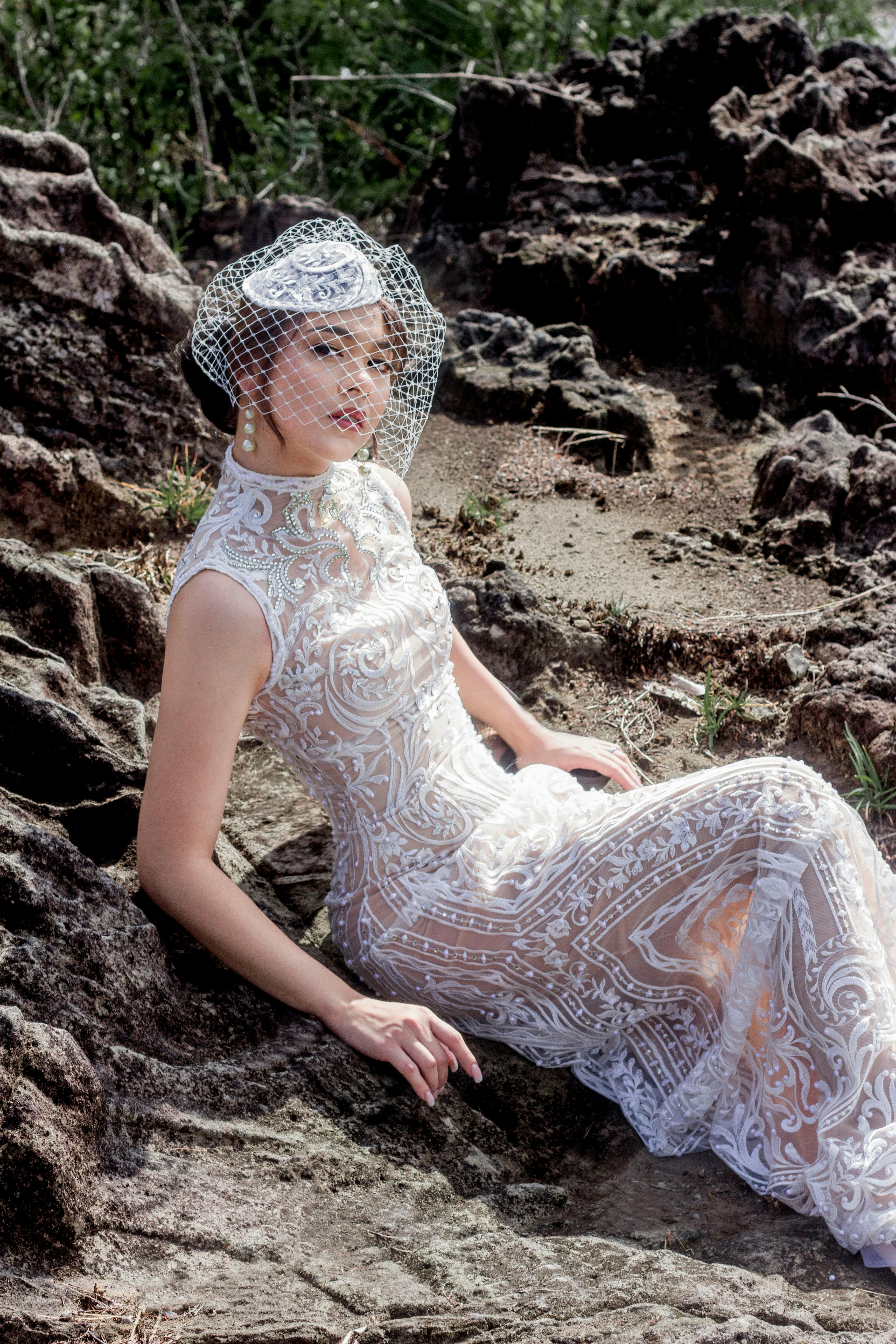
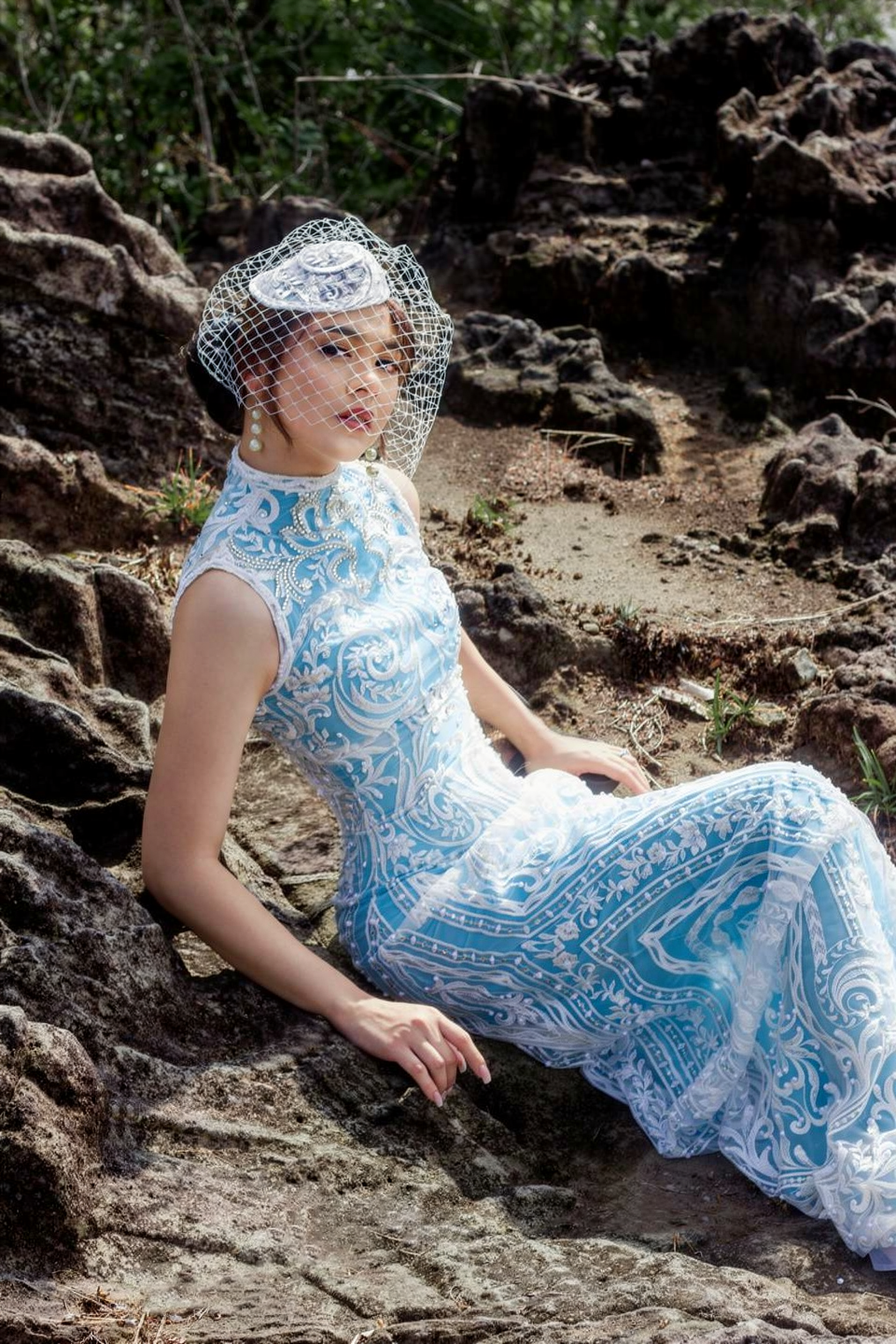
Pose & Expression Changes
Adjust gaze direction, body pose, or facial expressions of subjects.Eye/detail correction
Eye/detail correction
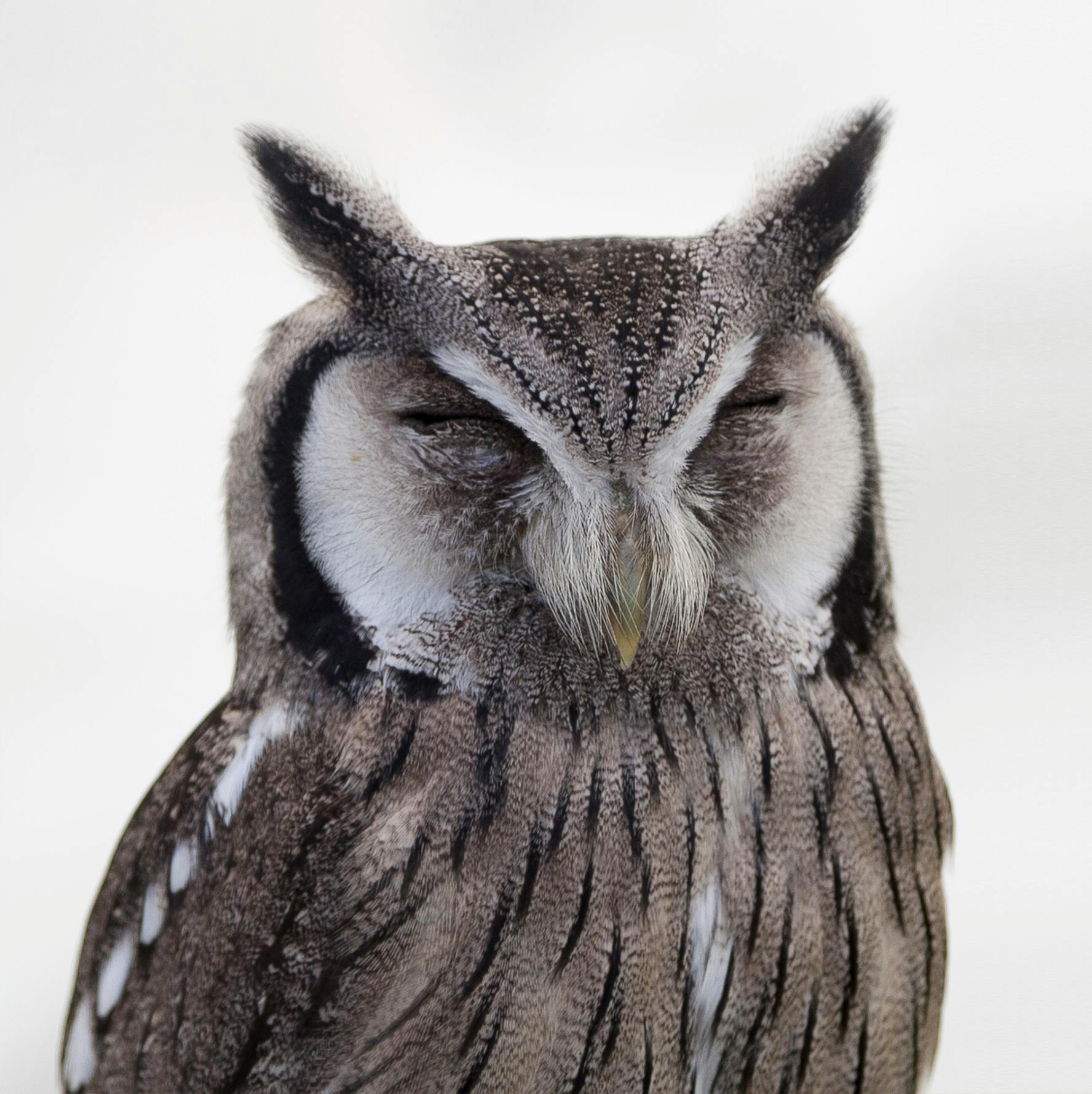
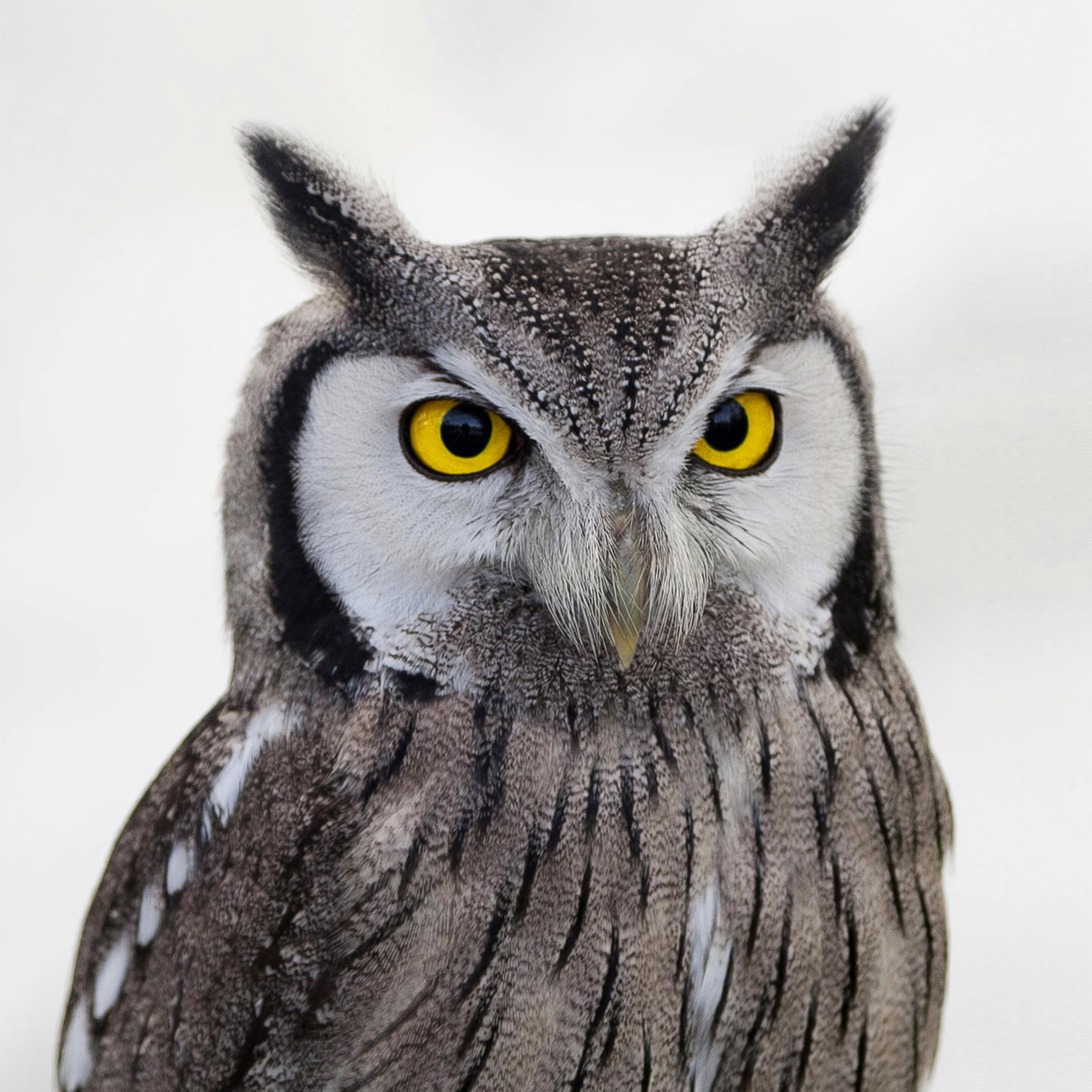
Gaze direction
Gaze direction
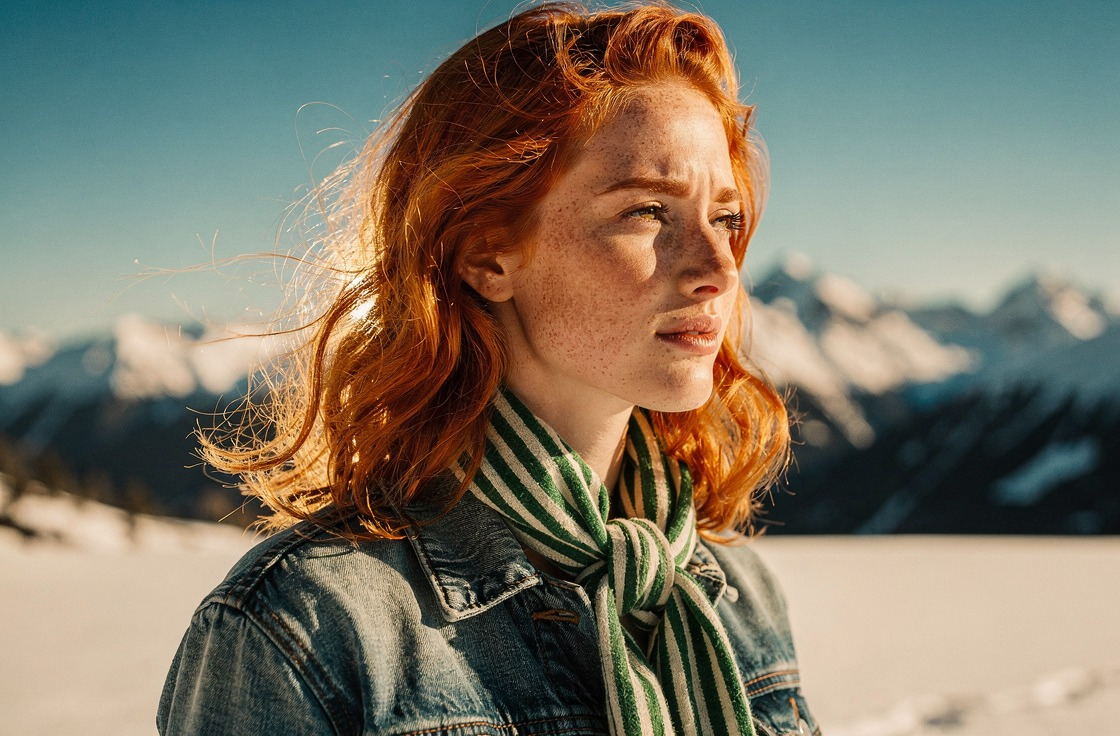
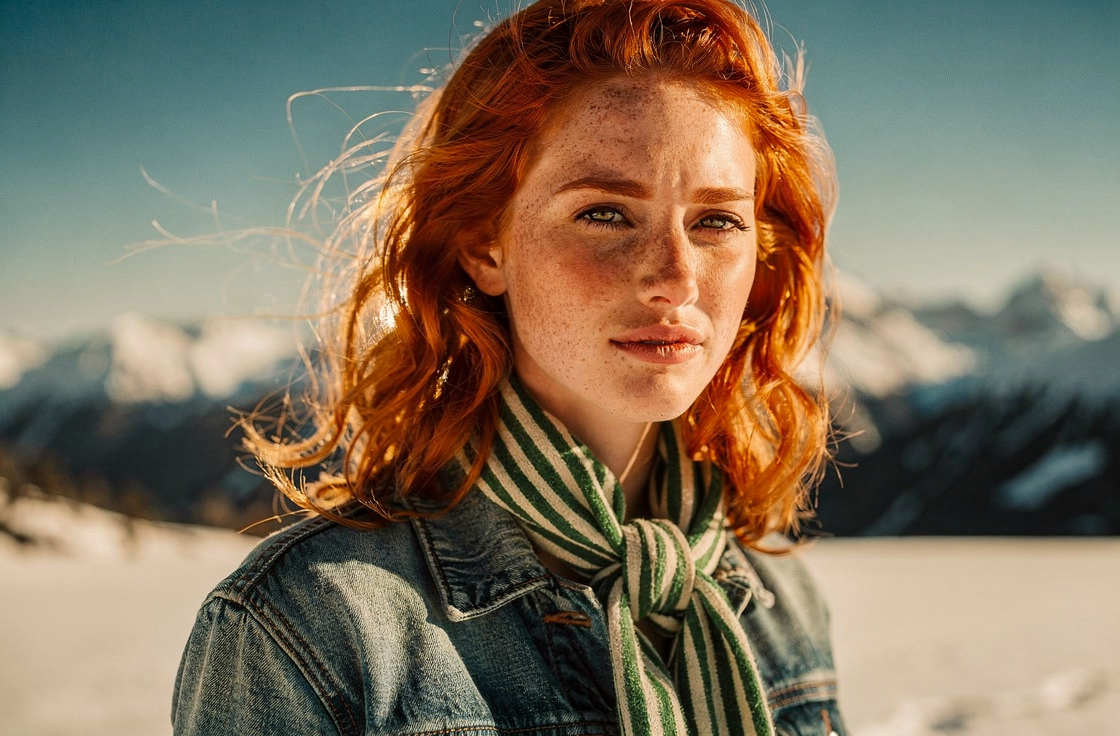
Pose change
Pose change
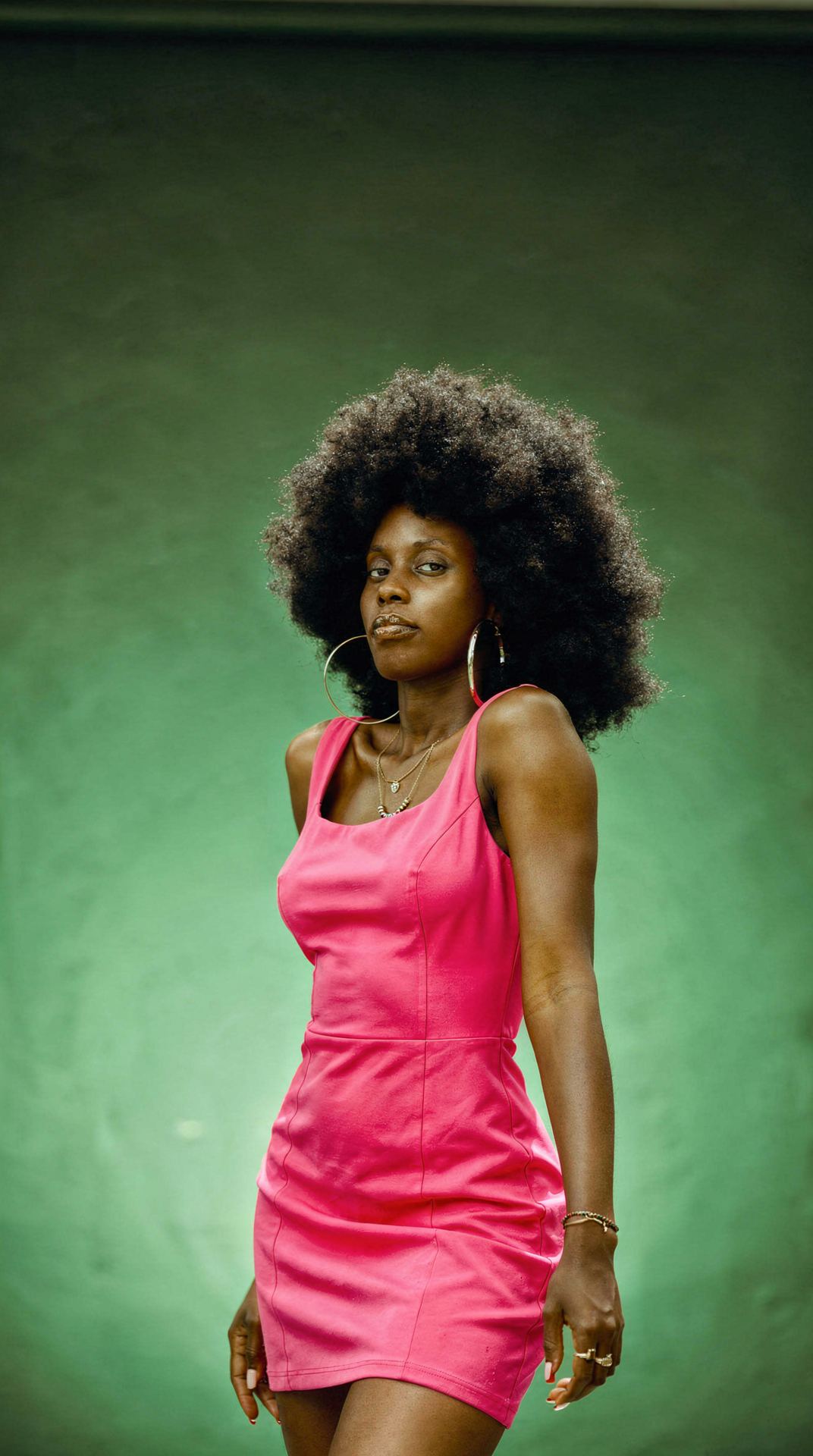
Writing Effective Single-Reference Prompts
Good prompts
- “Change the shirt color to red”
- “Replace the background with a sunset beach”
- “Turn this into an oil painting”
- “Add snow to the scene, keep everything else unchanged”
Avoid
- “Make it better”
- “Improve the lighting”
- “Make it more professional”
- “Fix the image”